


React Website

Flutter Website

Admin Panel

Admin Landing

Vendor Panel

Customer App

Vendor App

Delivery man app

Pharmacy

Shop

Food

Parcel

Rental Module

Grocery












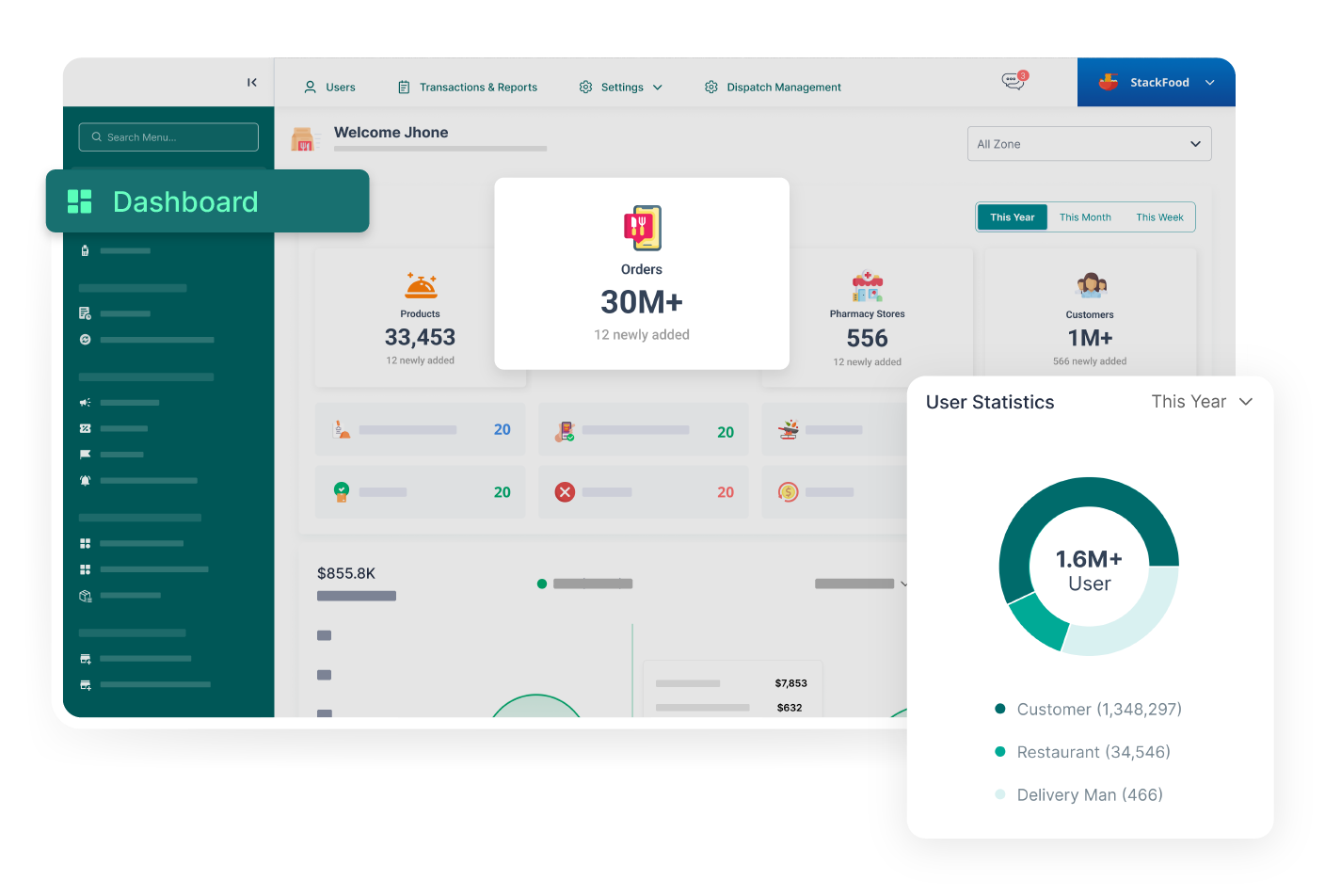
In PaPaYaMart, each module is equipped with its own dedicated dashboard. They provide real-time business insights, enabling effective monitoring and informed decision-making across the system.

In the business settings section, the admin can configure the entire business, including company details, order settings, refund settings, user settings, and language settings.

The admin has the capability to change business modules, such as Grocery, Pharmacy, Food, Shop, parcel, etc., from the admin panel. He can also add new business modules here.
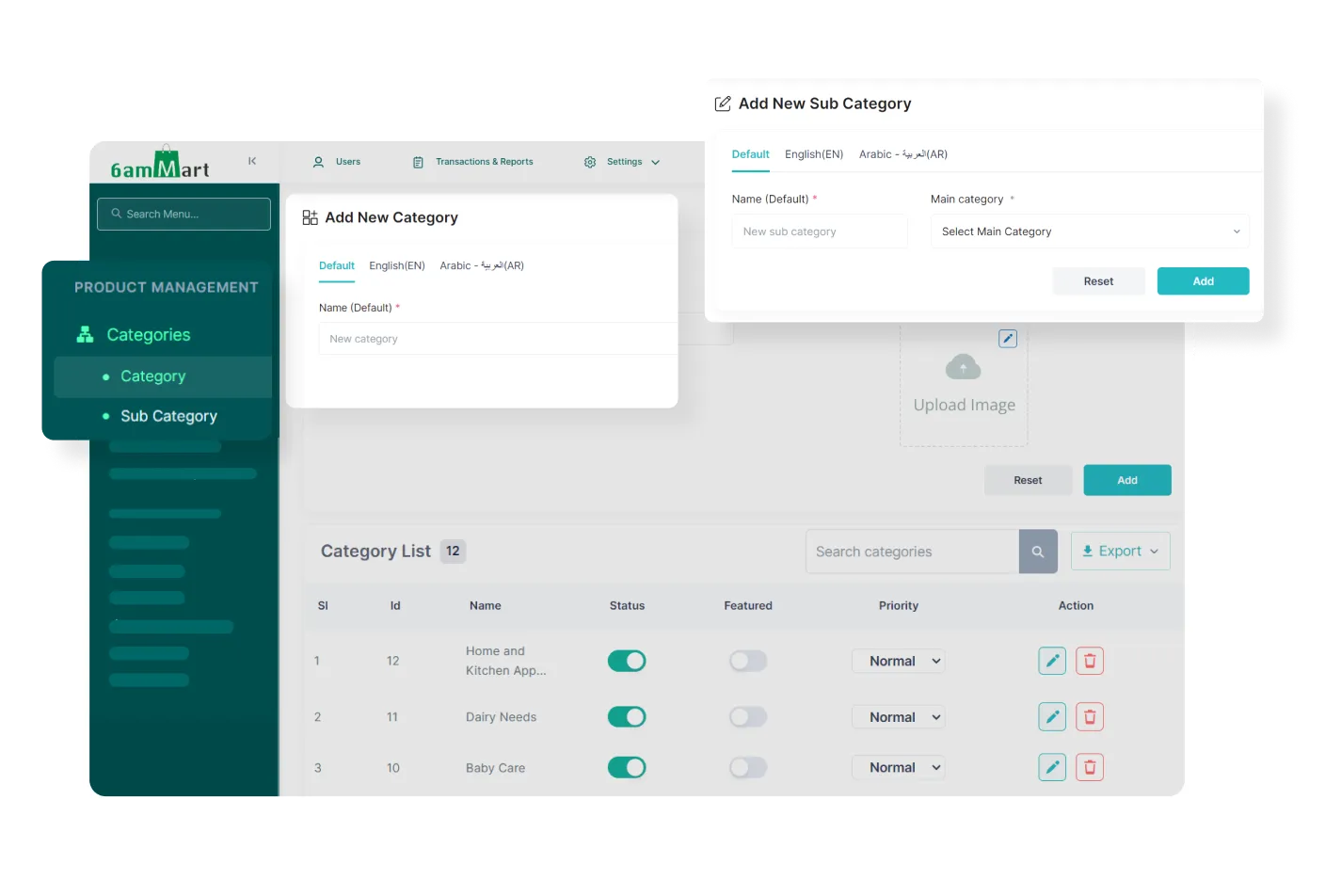
In the product management section, the admin can define the category and sub-category of each product. It allows organized product categorization and efficient inventory management.
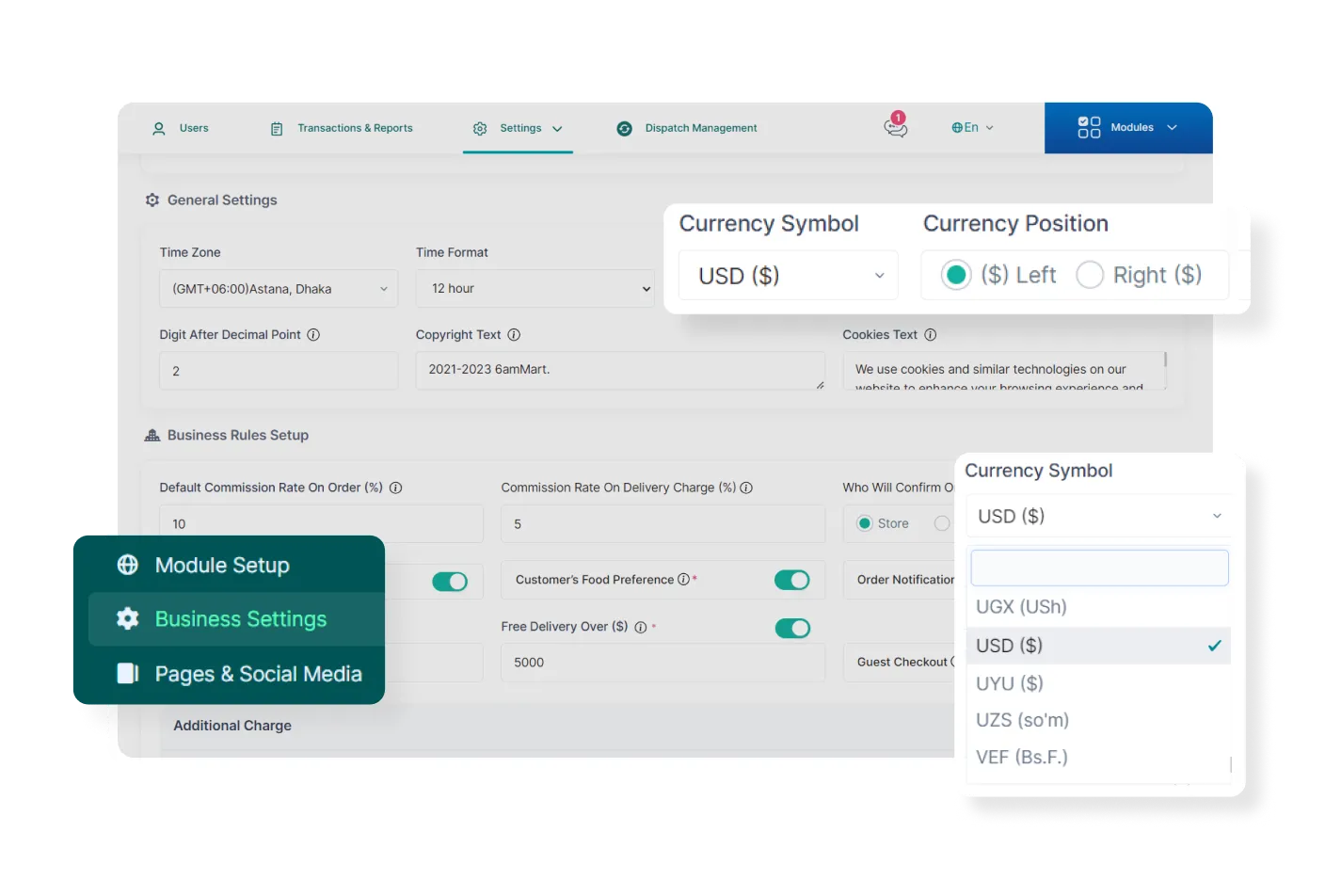
The admin can configure multiple currencies, enabling him to take his business worldwide.
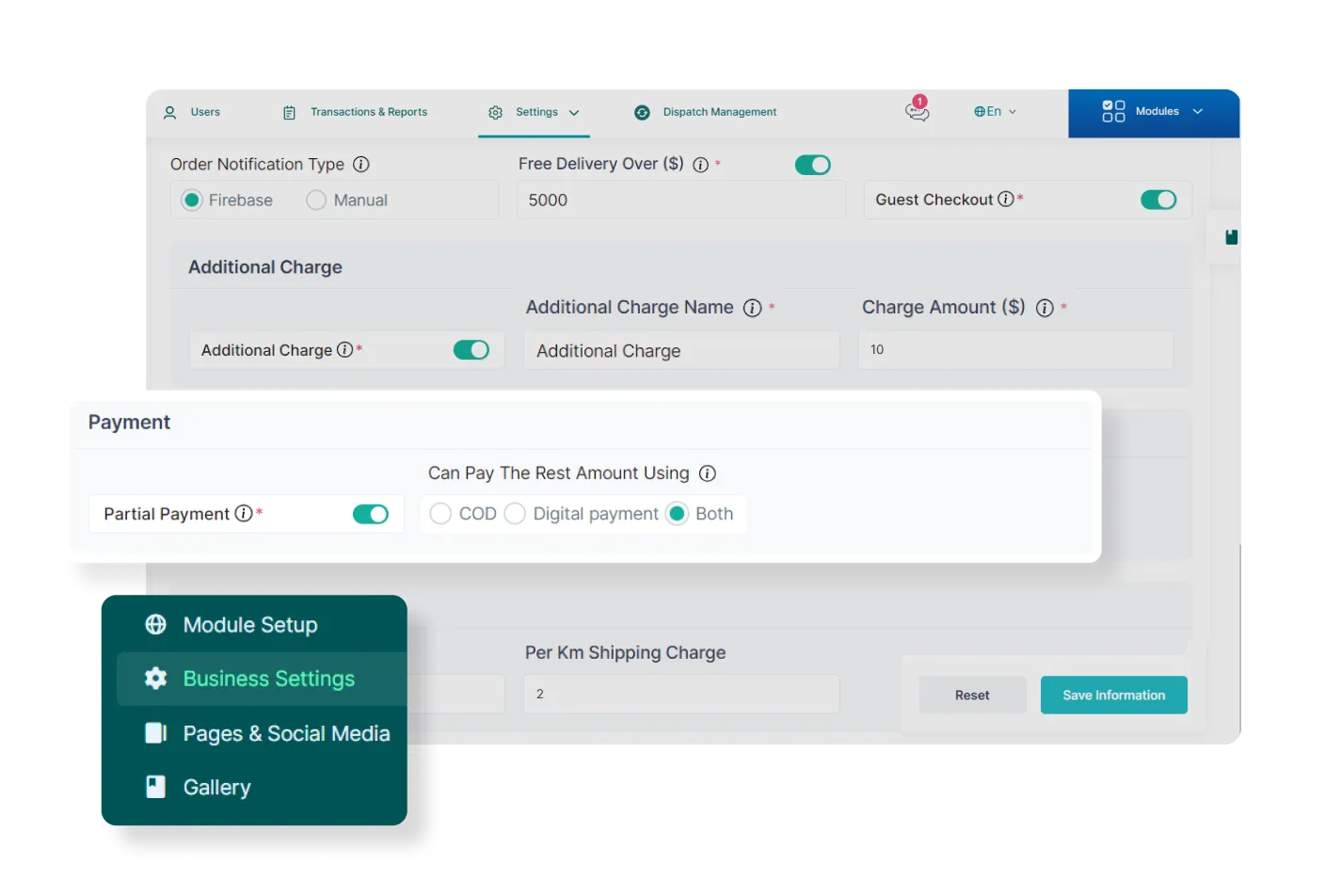
The admin can set up various payment methods, such as cash on delivery or digital payments, offering customers a flexible and easy checkout experience.
With a versatile Point of Sale (POS) feature of PaPaYaMart, the admin can efficiently manage transactions and handle billing operations, such as generating invoices and processing payments.
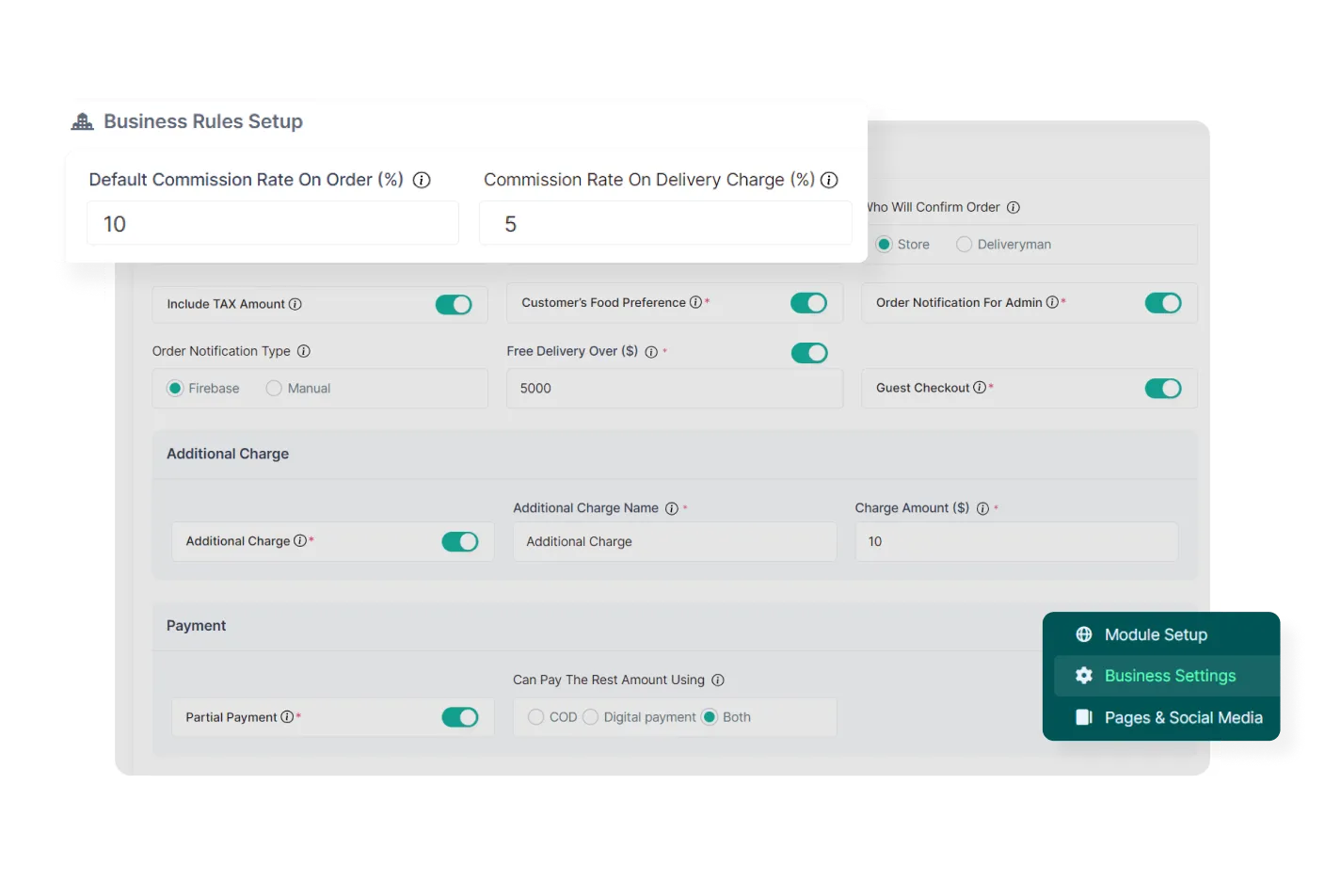
From the admin panel, the admin can manage the commission he receives from vendors and deliverymen without any hassle.
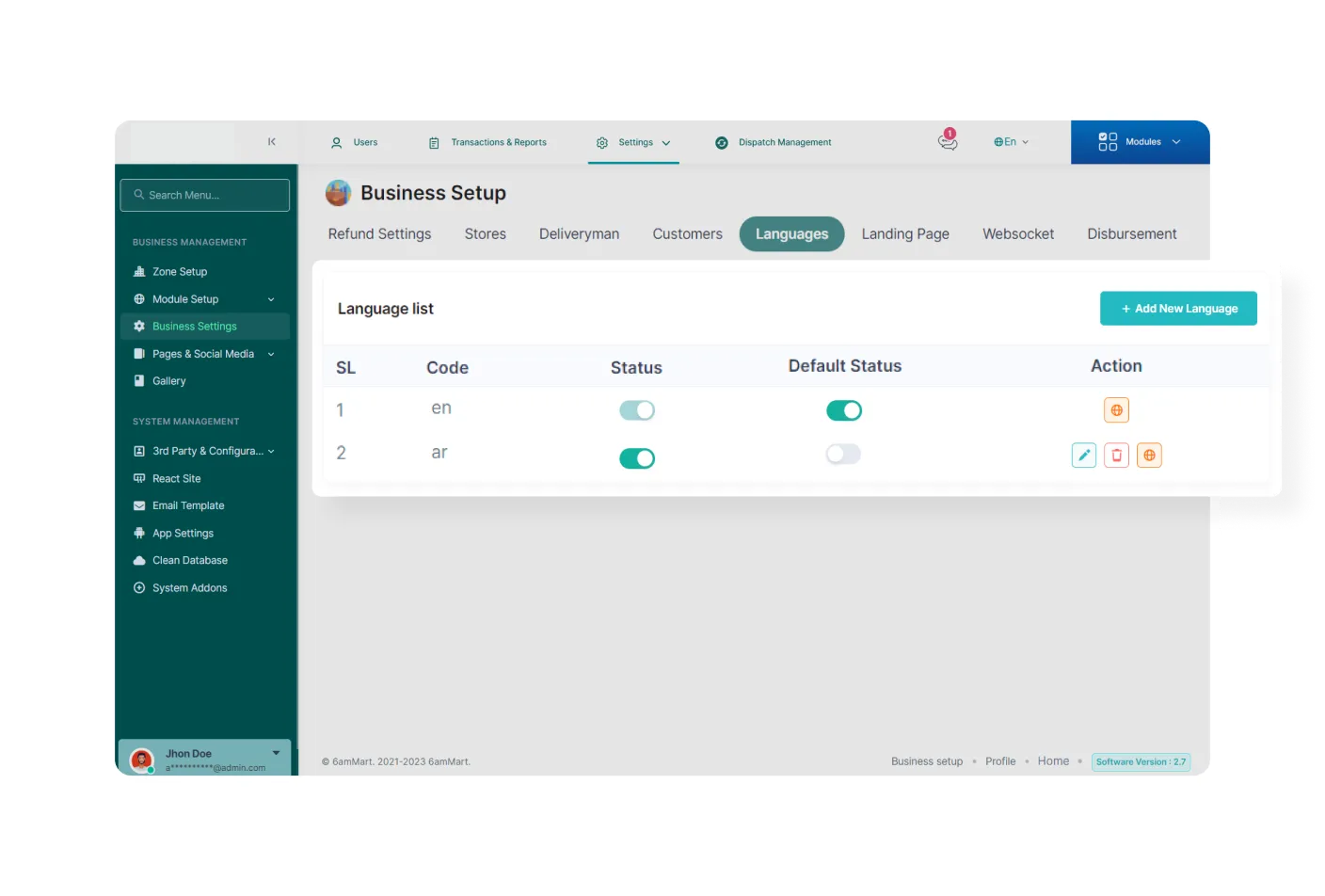
Admin can set multiple languages, which simplifies communication and interaction with all business users. They can choose their preferred language for the native experience.
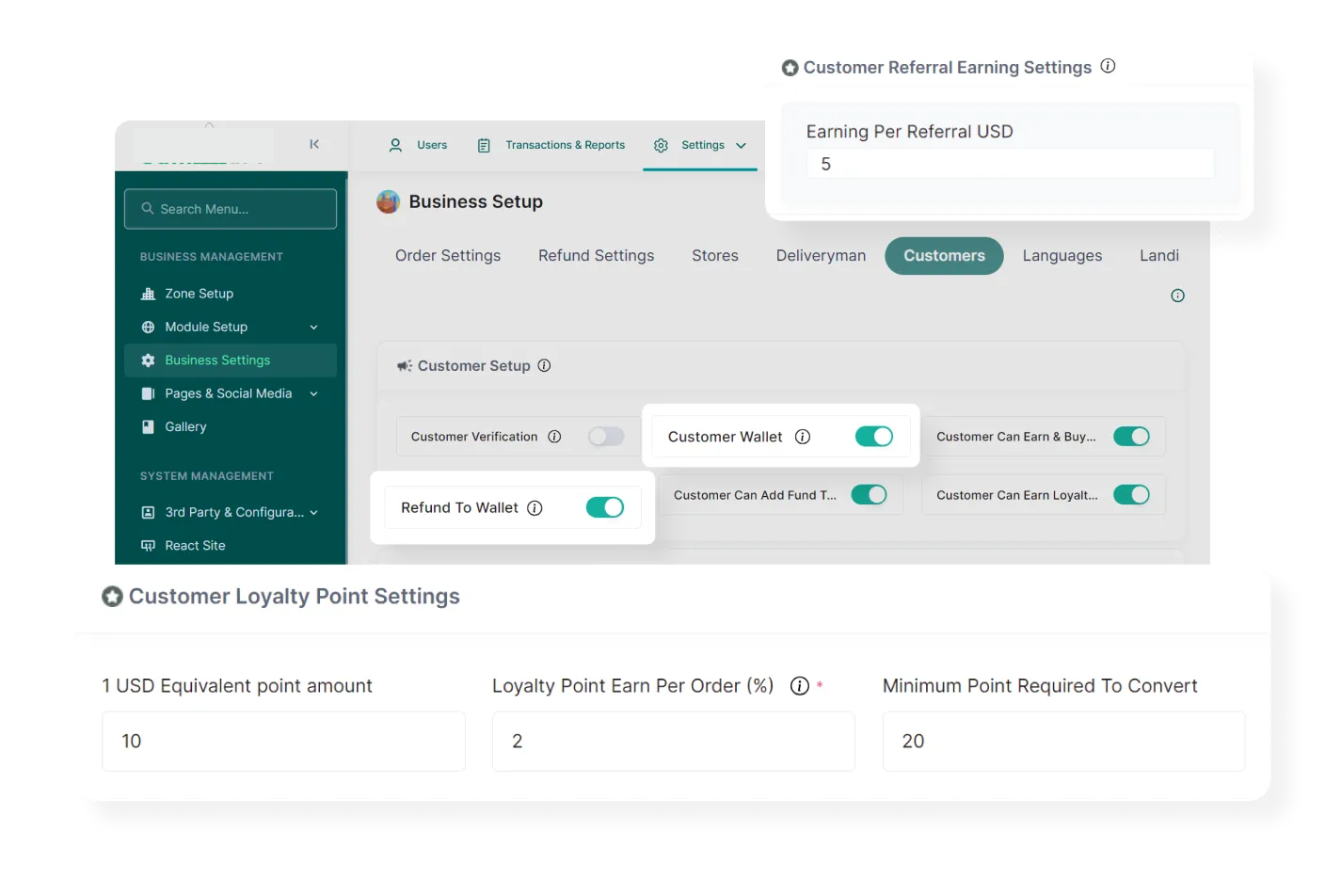
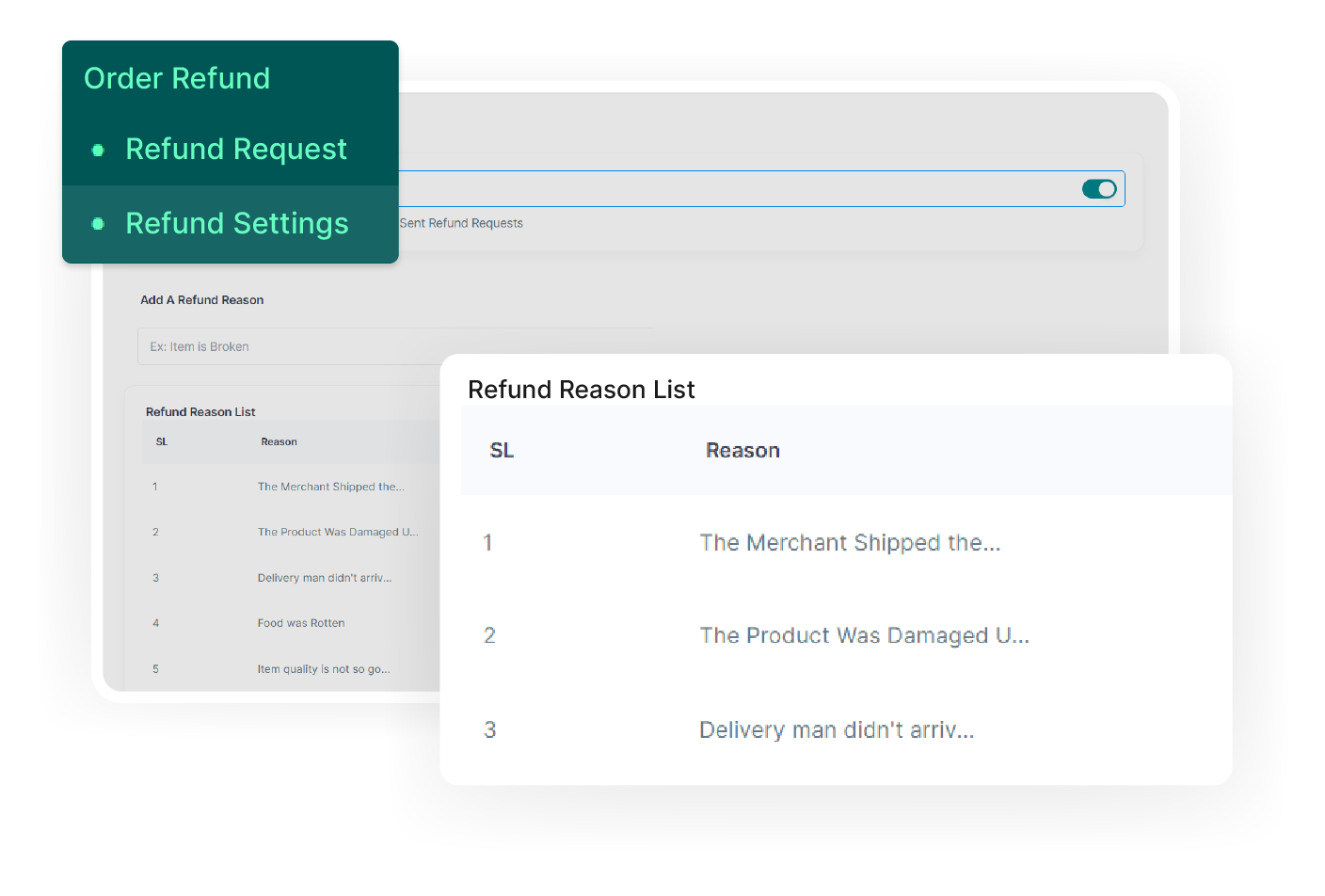
The admin can configure customer wallets, loyalty points, referral earnings, and refund processes, allowing seamless customer management and enhancing overall customer satisfaction.
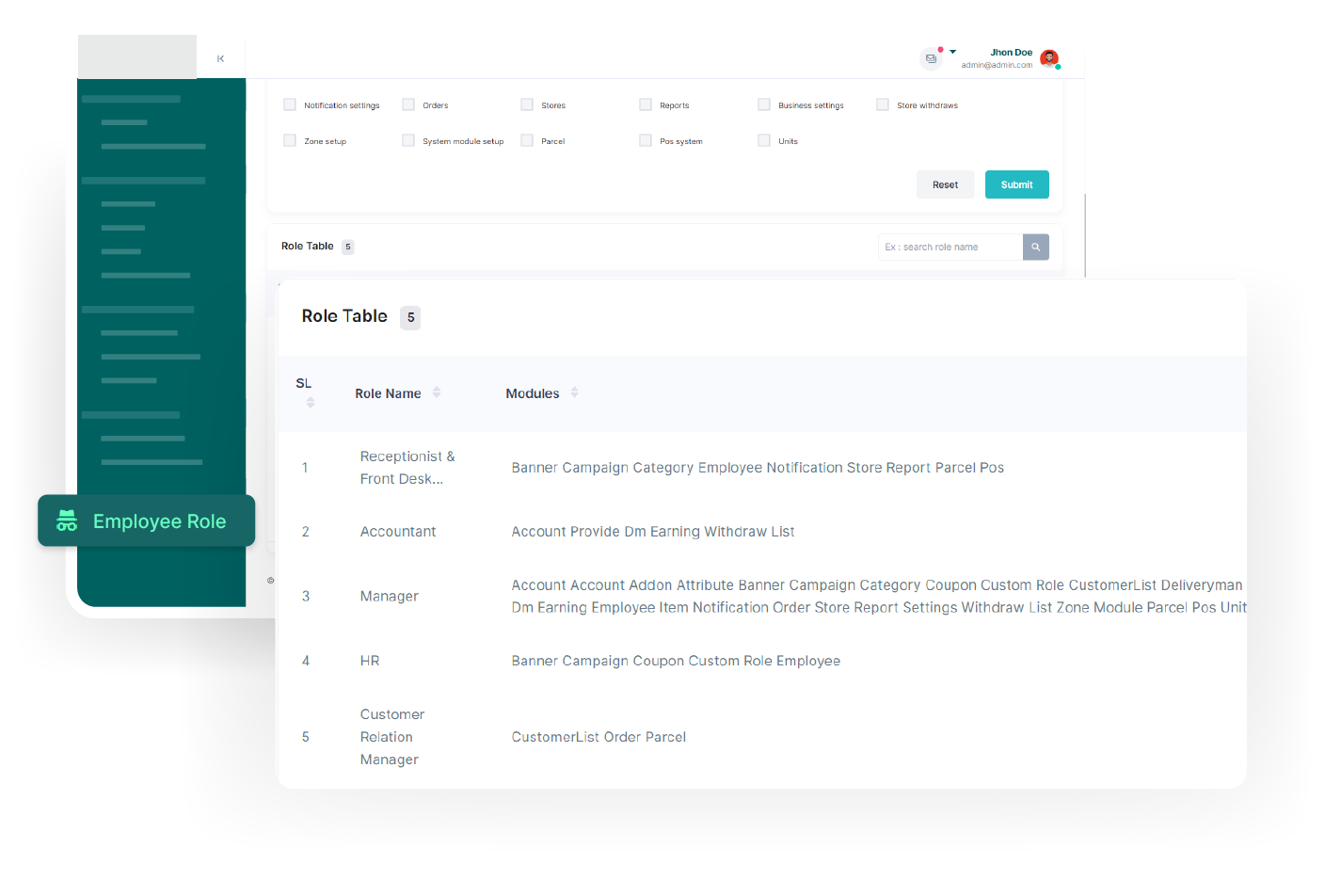
Using the employee management feature, the admin can set employee roles, add new employees, and perform other tasks, facilitating efficient organization and administration of the employees.

In the deliveryman management feature, the admin can add new deliverymen, review their performance, and access additional functionalities for efficient management of the deliverymen.
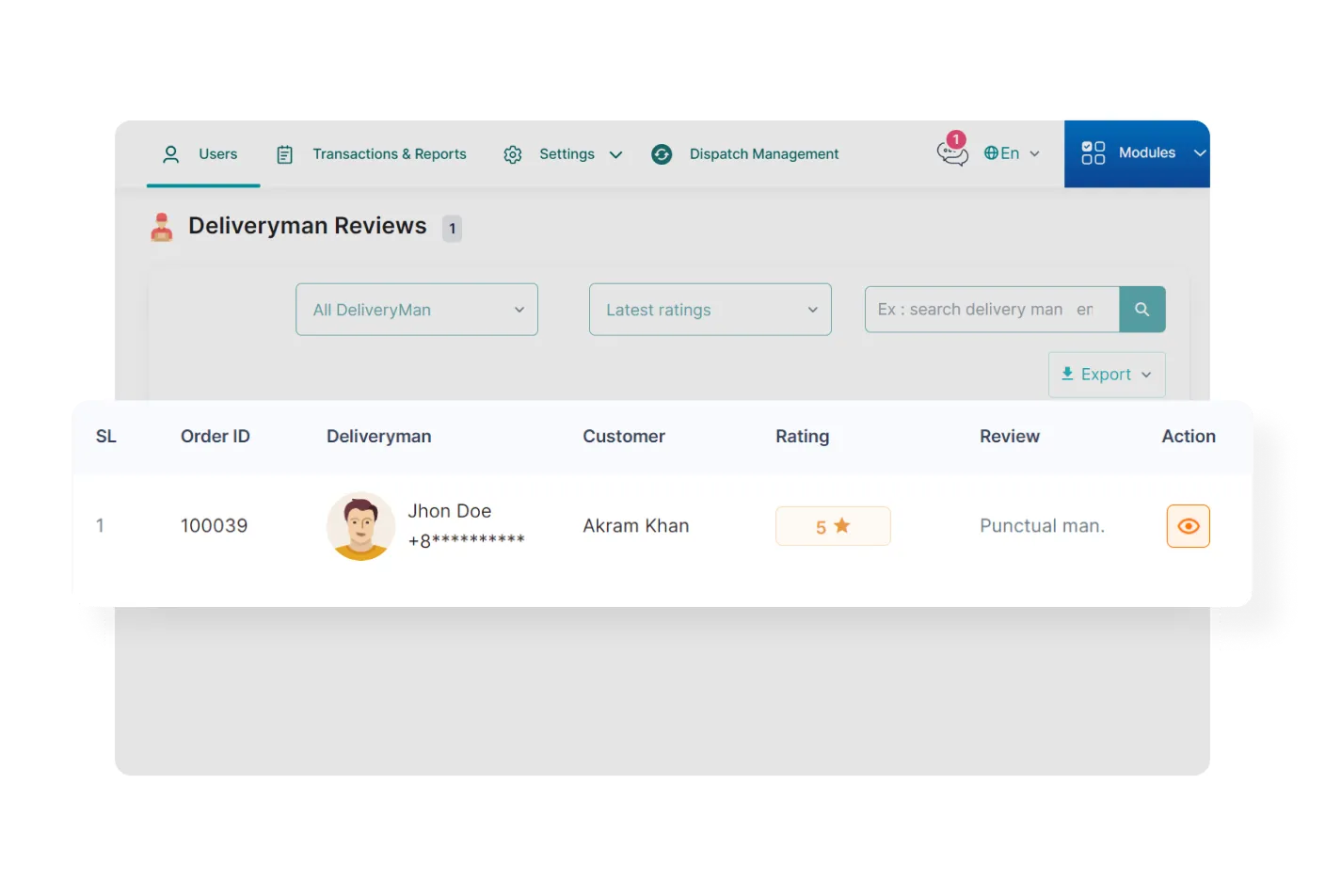
For each module, admin can see reviews and ratings provided by customers for various products, vendors, and deliverymen. It helps him quickly monitor their performance and customer satisfaction levels.
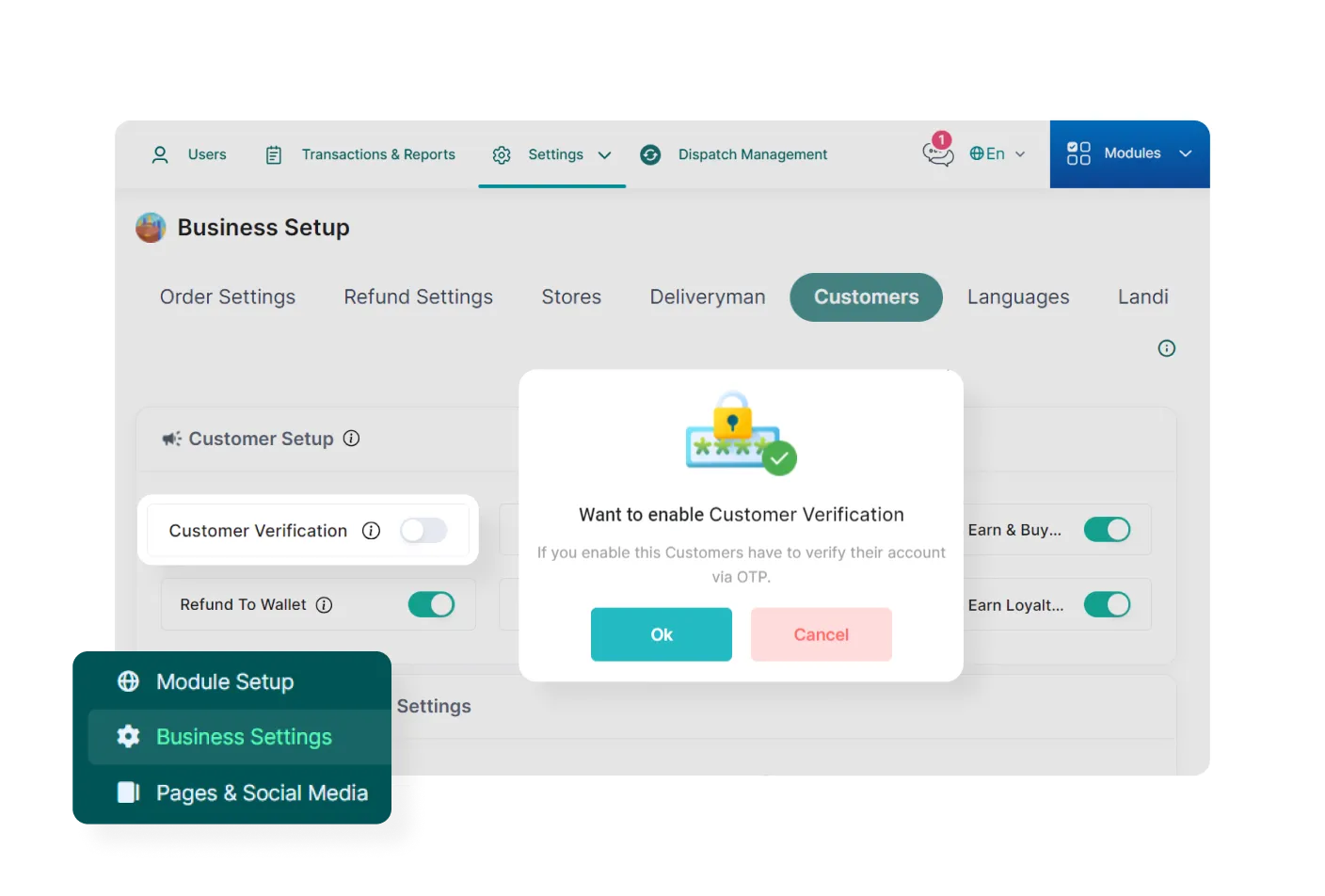
If enabled by the admin, customers must verify their phone number after signing up. It ensures enhanced security, validates user accounts, and minimizes the risk of unauthorized access.
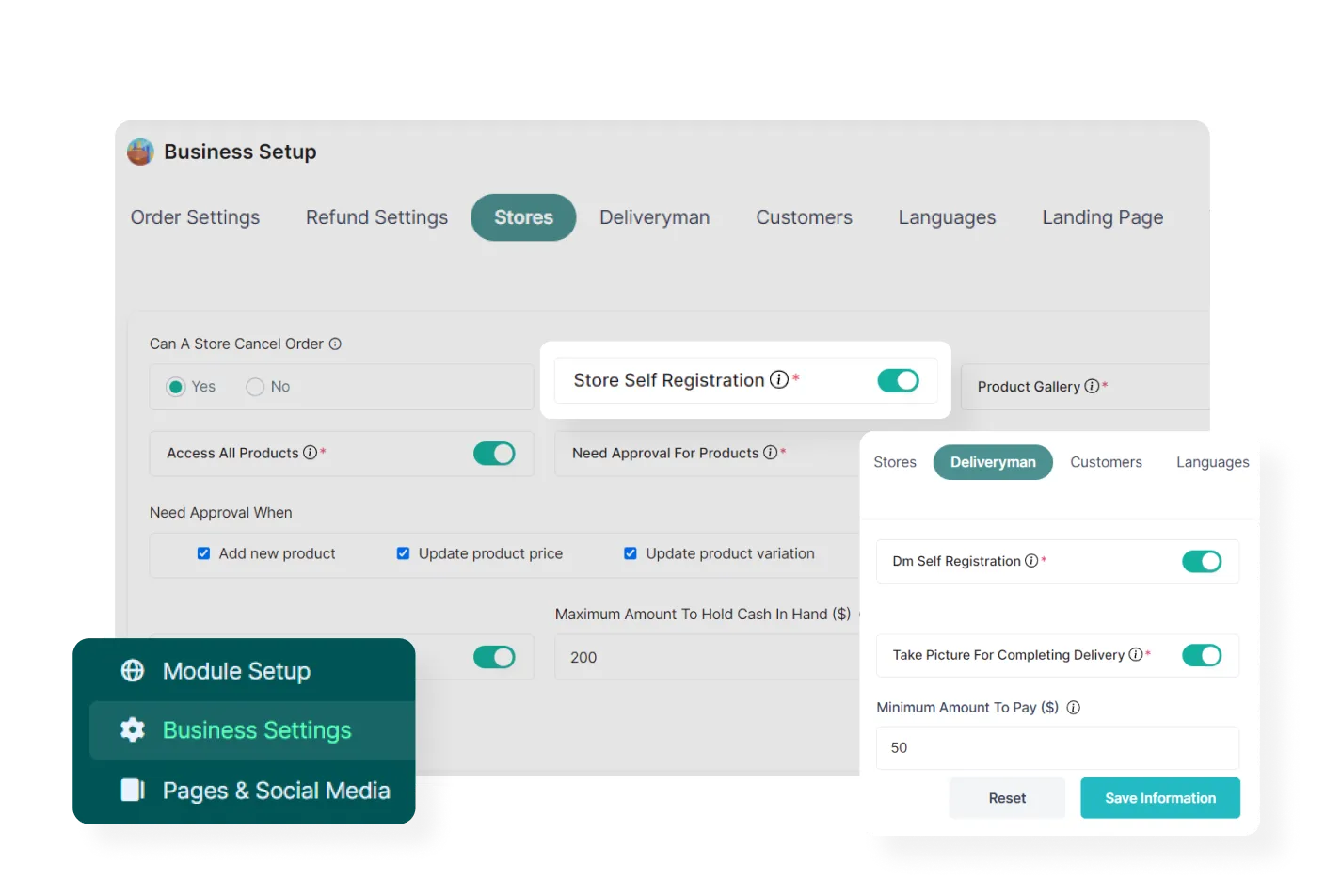
When self-registration is enabled by the admin, new users can register themselves as vendors or deliverymen.
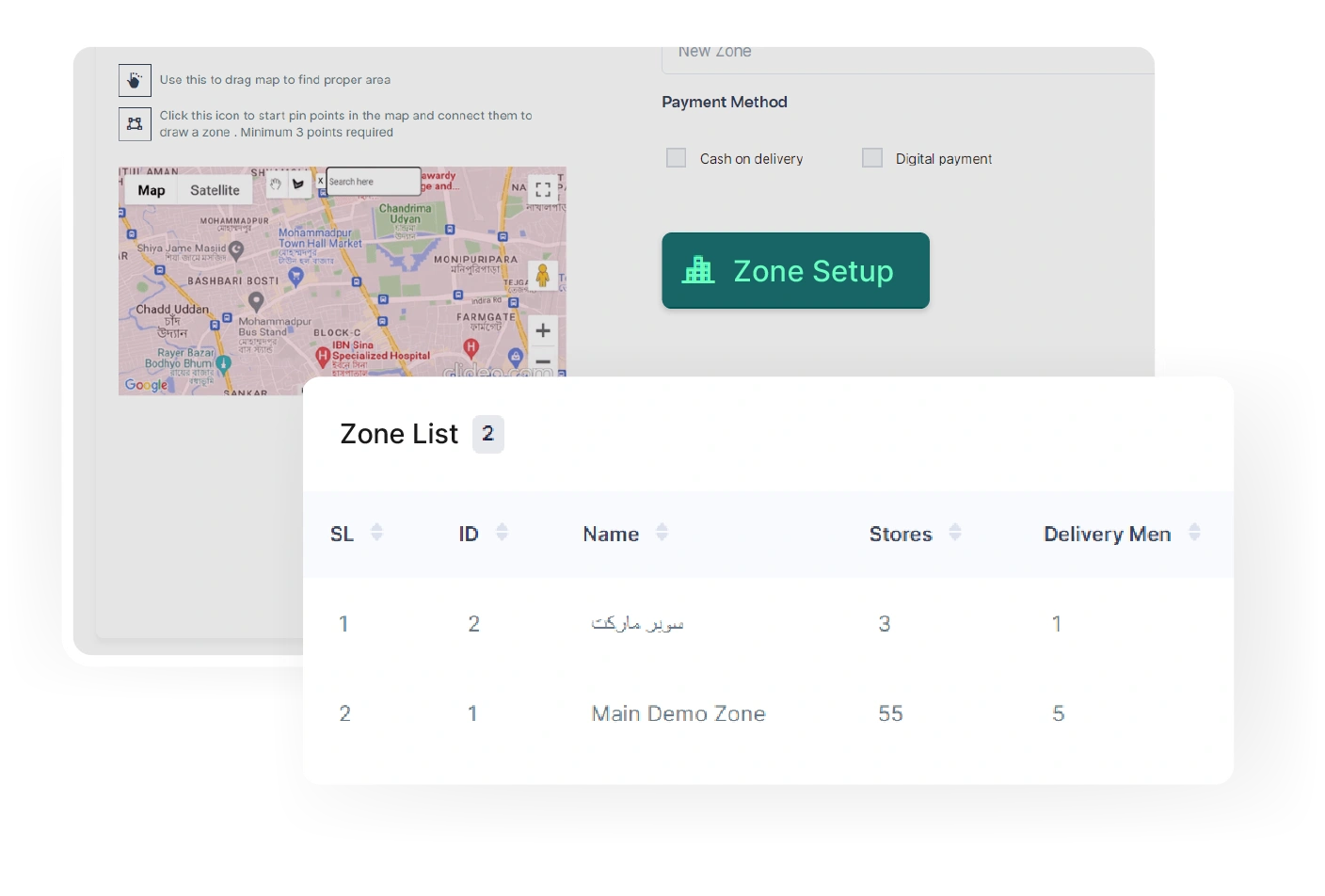
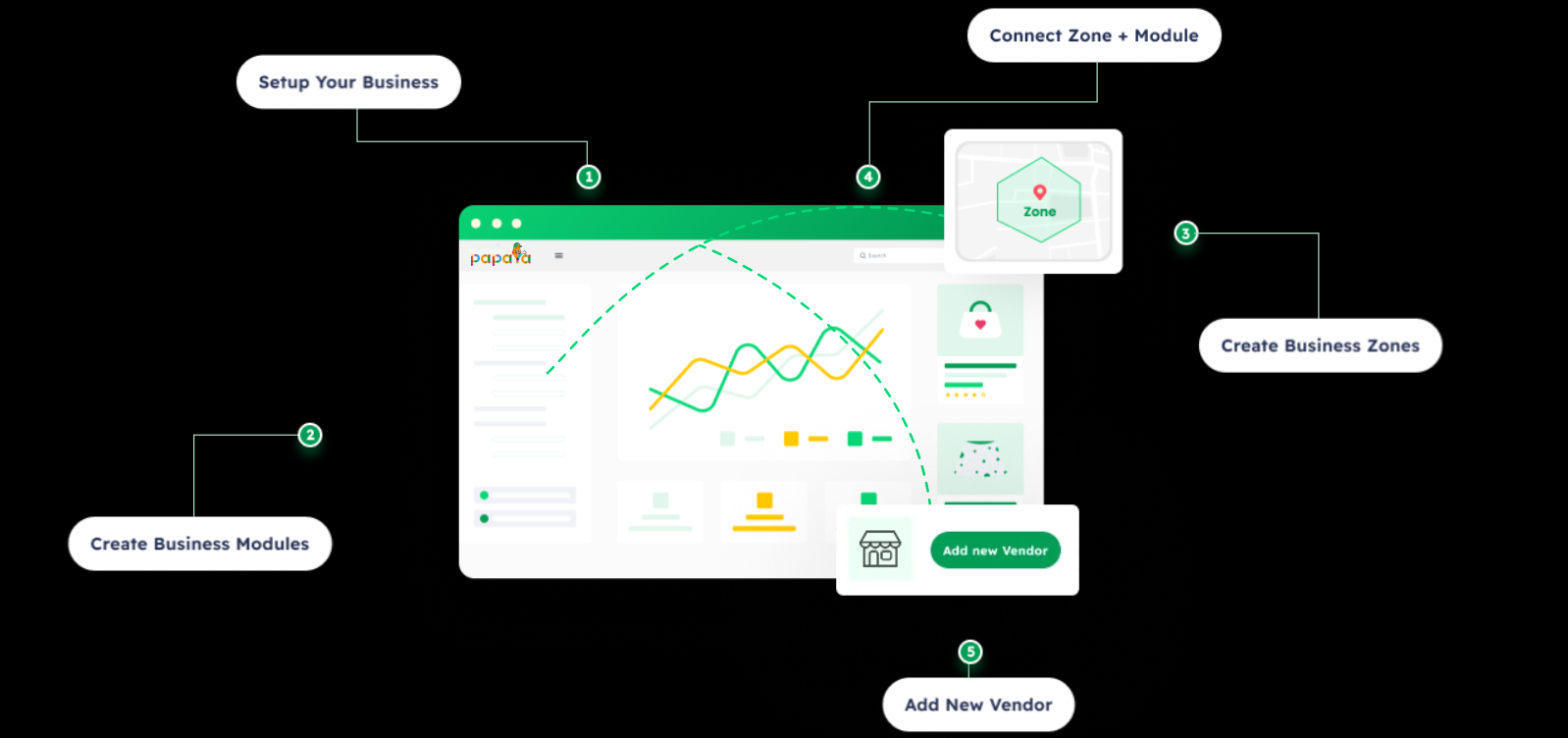
The admin can establish new business zones, integrate multiple modules, and configure various payment methods, inside the Zone Setup section.
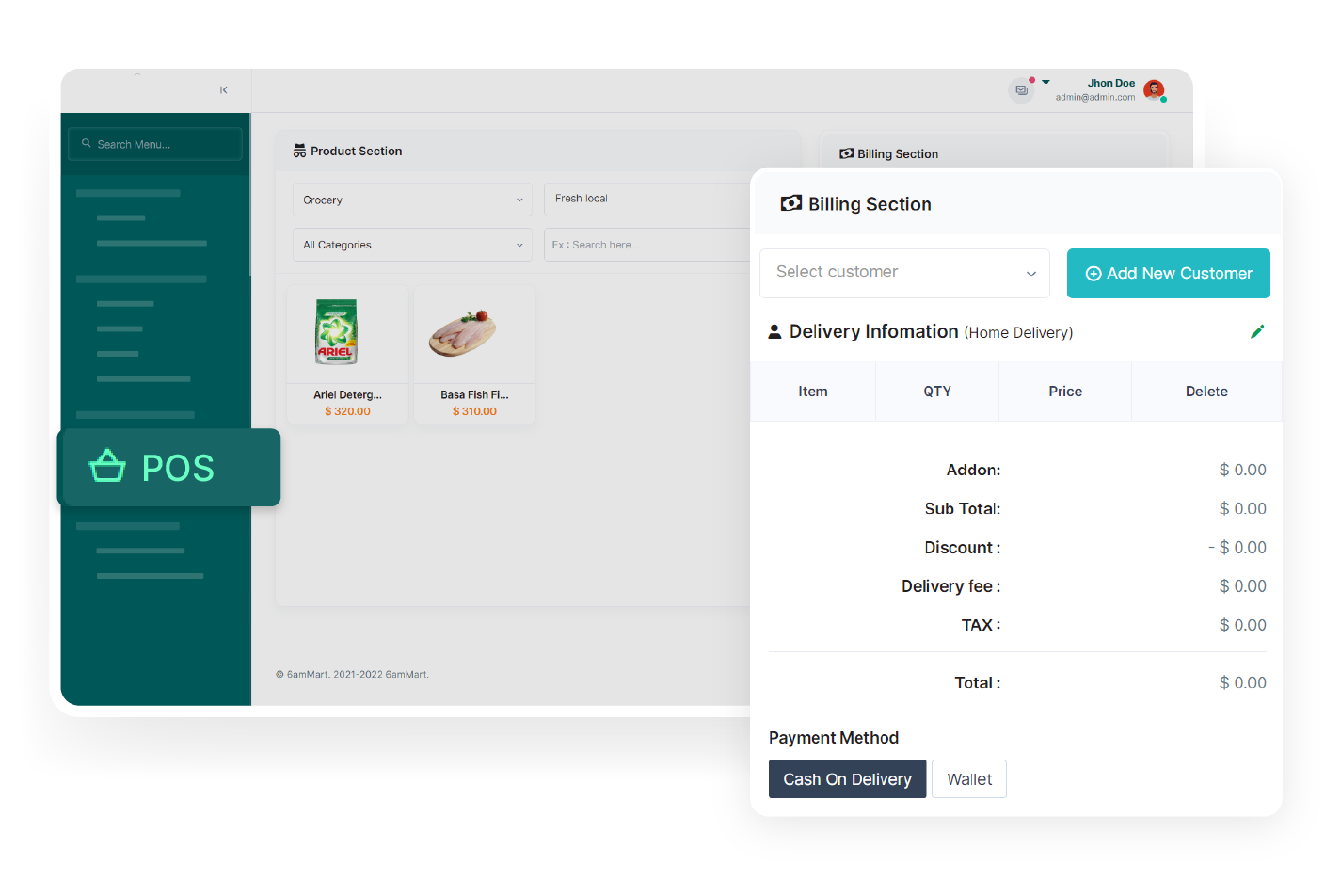
With a versatile Point of Sale (POS) feature of PaPaYaMart, the admin can efficiently manage transactions and handle billing operations, such as generating invoices and processing payments.
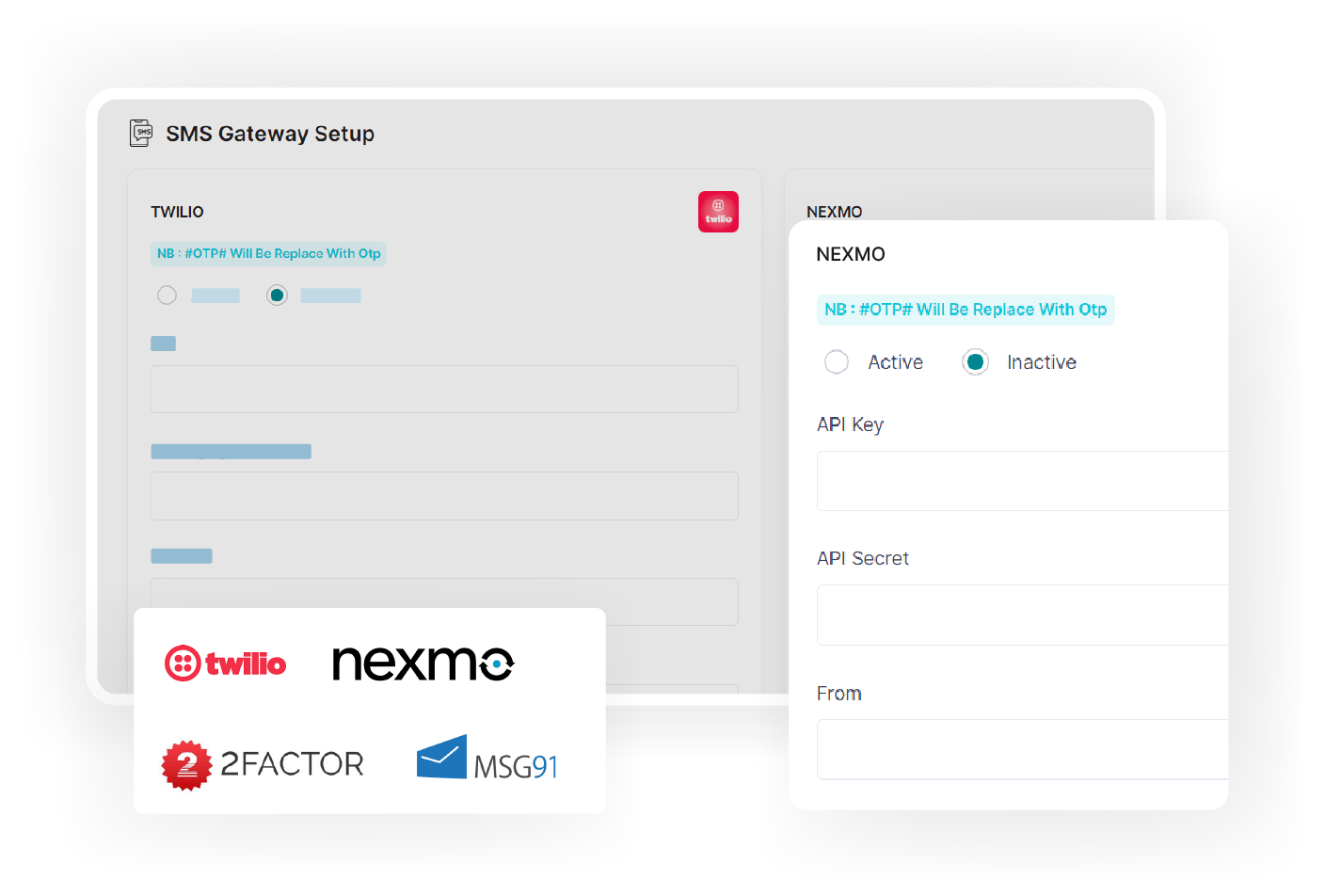
The admin has the ability to easily add third-party API keys, such as payment methods, SMS module, mail config, map, social logins, and Recaptcha.
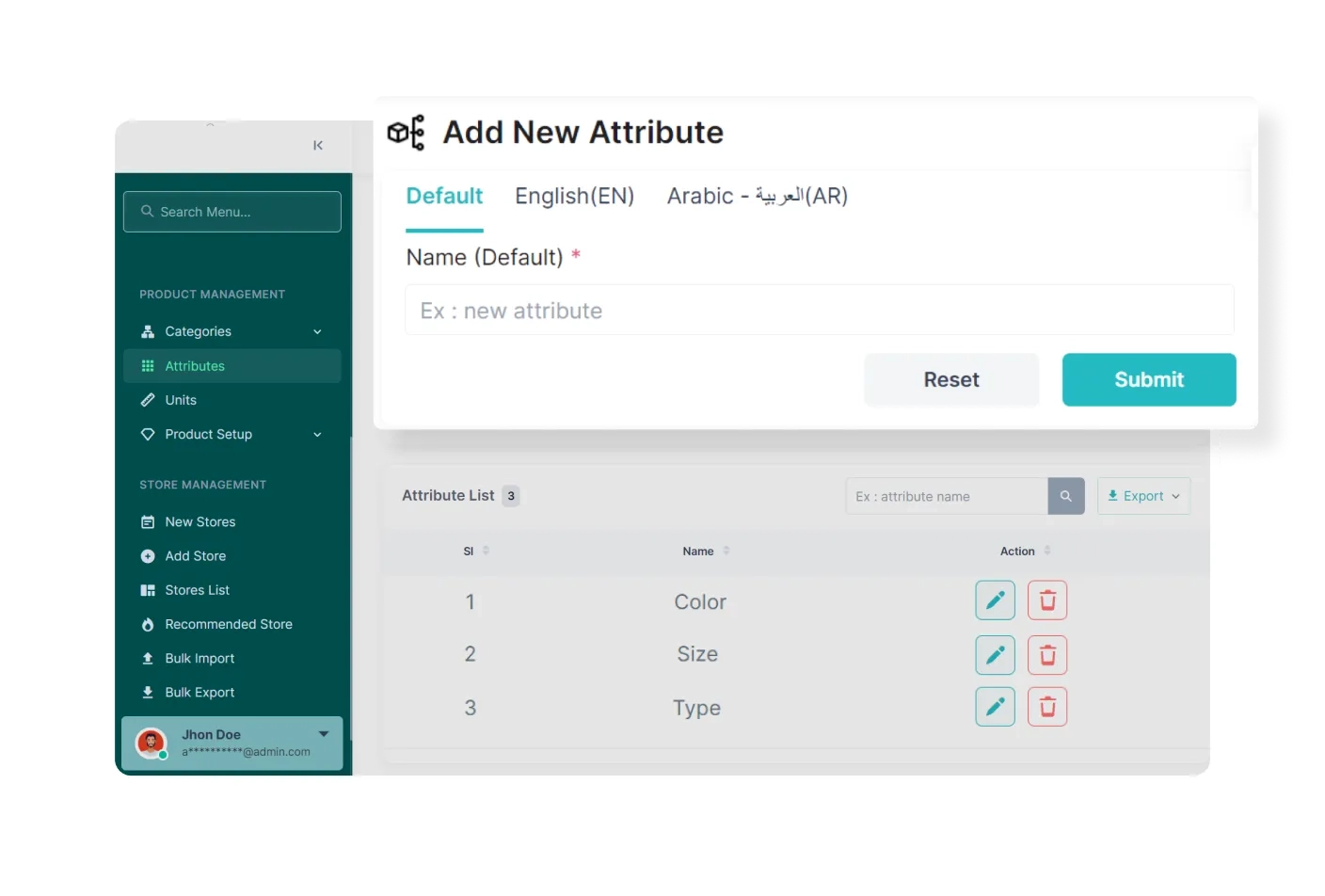
The admin can easily create new products and define their attributes in the product management section. It simplifies new product adding, product customization and product data management.

This feature empowers the admin to create new Vendors and manage other vendors in the system. It includes approving or denying requests from self-registered vendors and managing new and existing vendors.
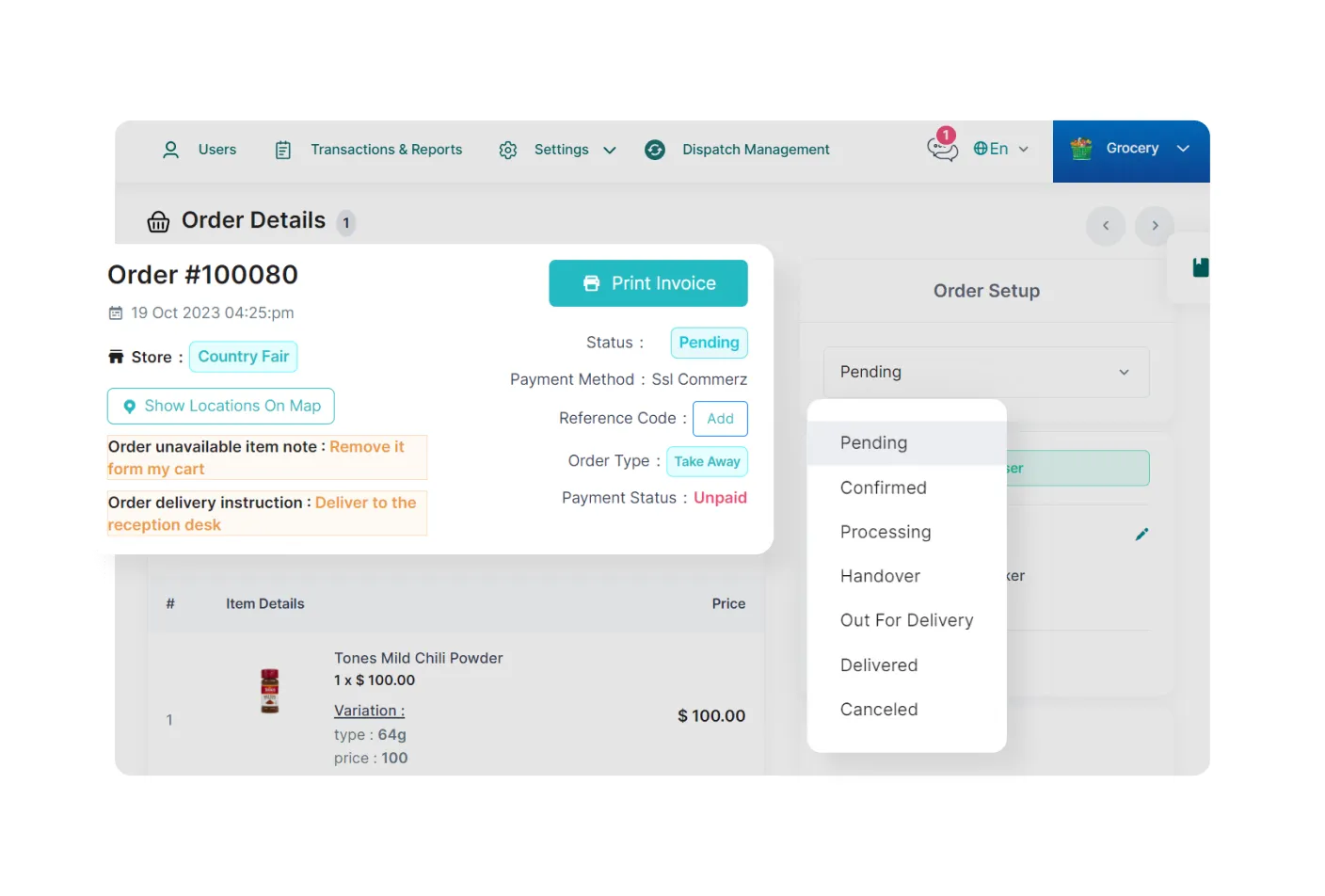
Admin has the authority to decide whether the vendor or deliveryman will confirm after the customers place orders. It can be configured based on business requirements and operational workflows.

The admin can access various reports and analytics that provide module-based insights, such as Transection Report, Item Report, Store Wise Report, Expense Report, Limited Stock Item, Order Report, and etc.
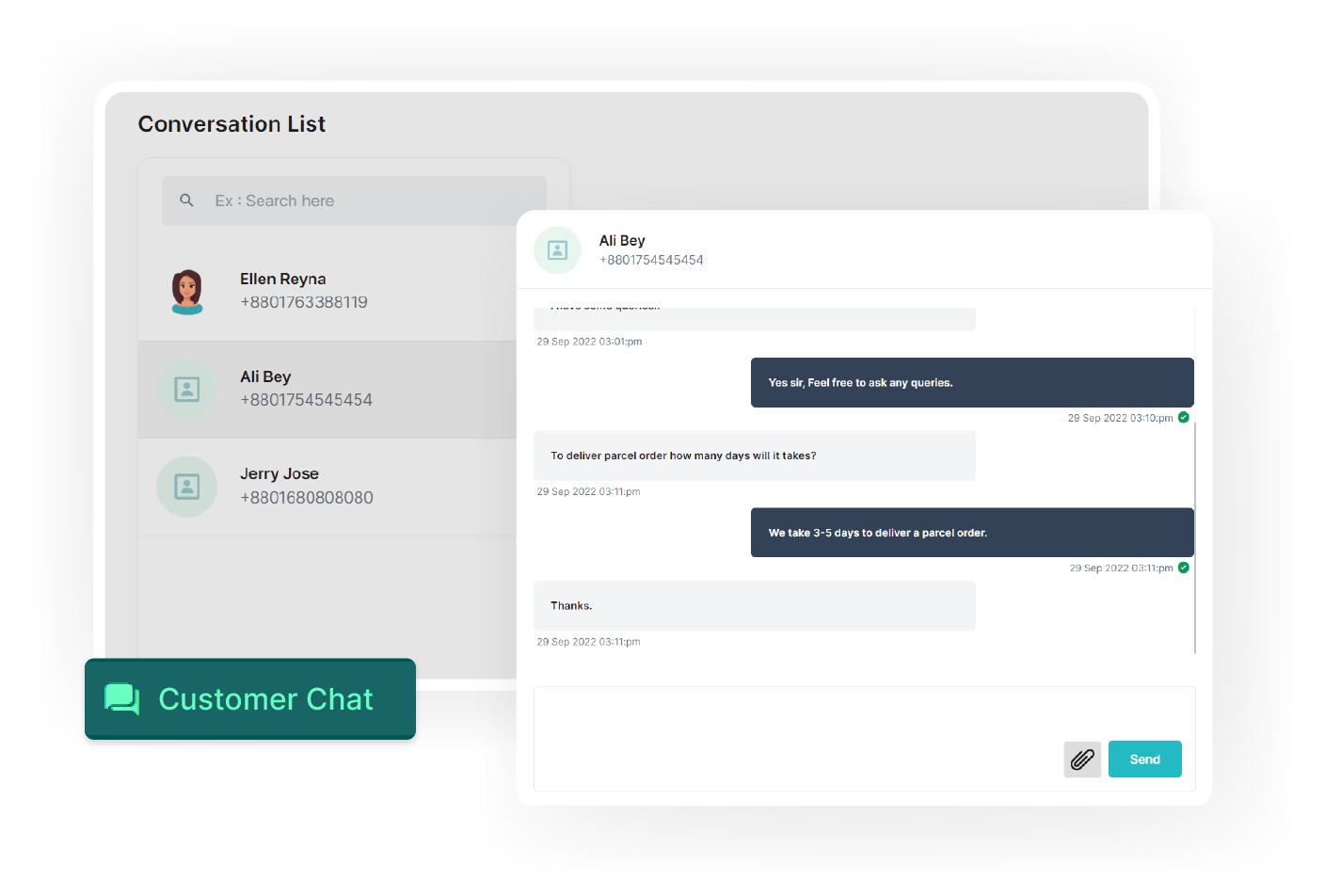
Using this feature, admin can offer real-time support to all users in the system. It enables quick support, handles queries and ensures faster solutions to everyone, thus improving user satisfaction.

The admin can create module-specific campaigns, including vendor and item-based campaigns. It provides flexibility in reaching the intended audience, enhancing marketing effectiveness.
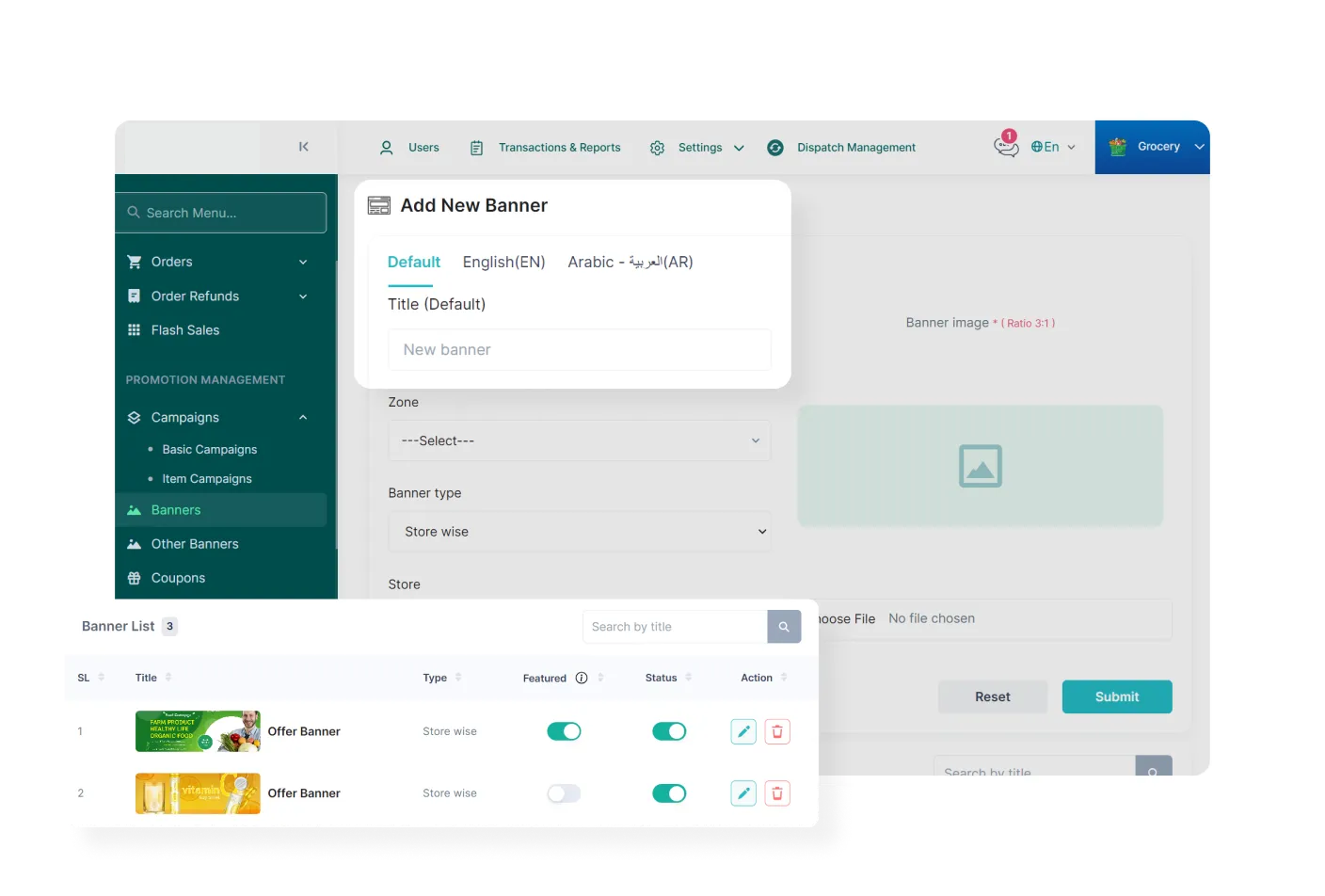
The admin can create and manage banners for products and vendors with ease and can enable or disable them as needed.
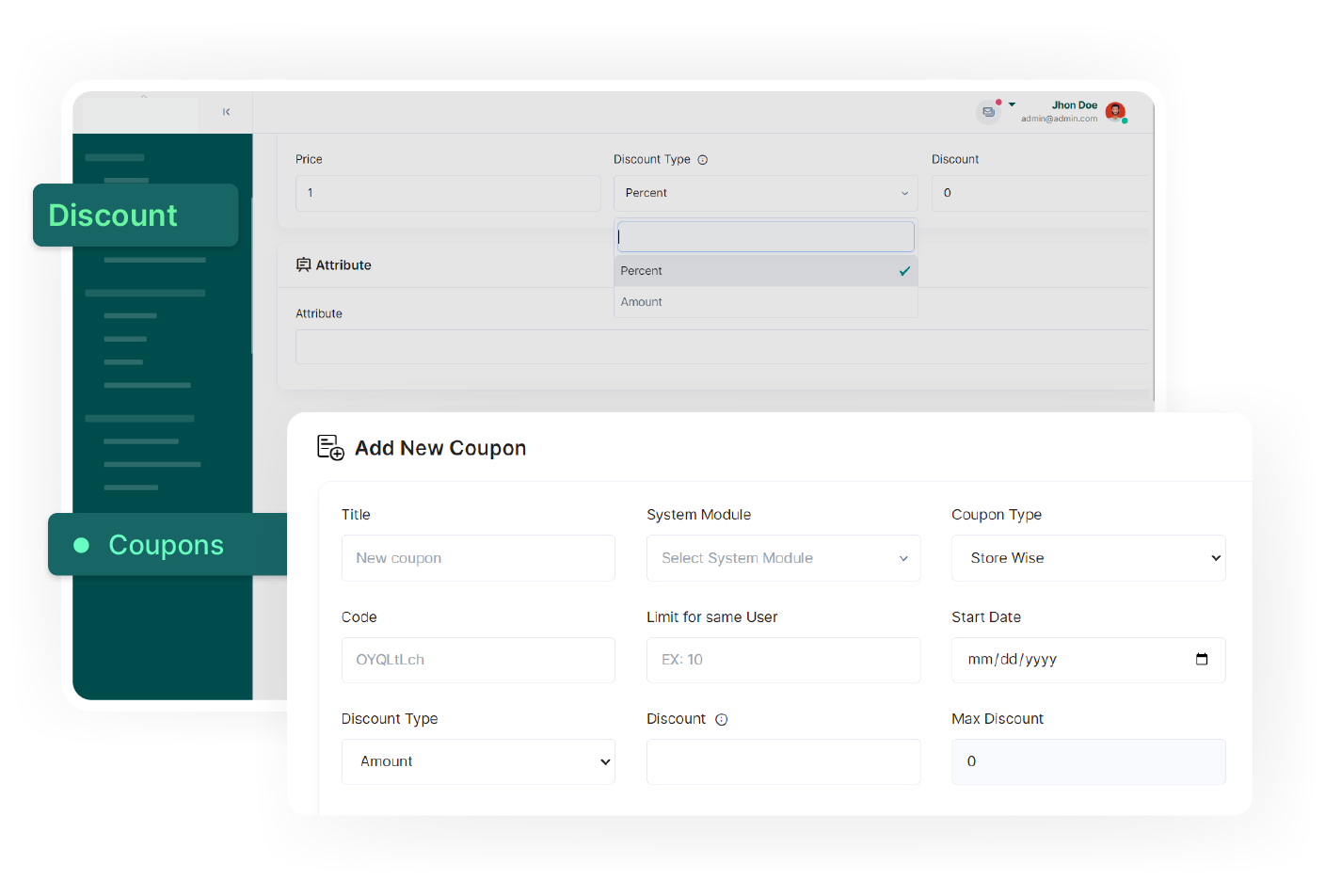
In PaPaYaMart admin panel, various coupons can be offered, such as store-specific, zone-specific, and first-order coupons. Enables targeted promotions, discounts, and effective marketing.
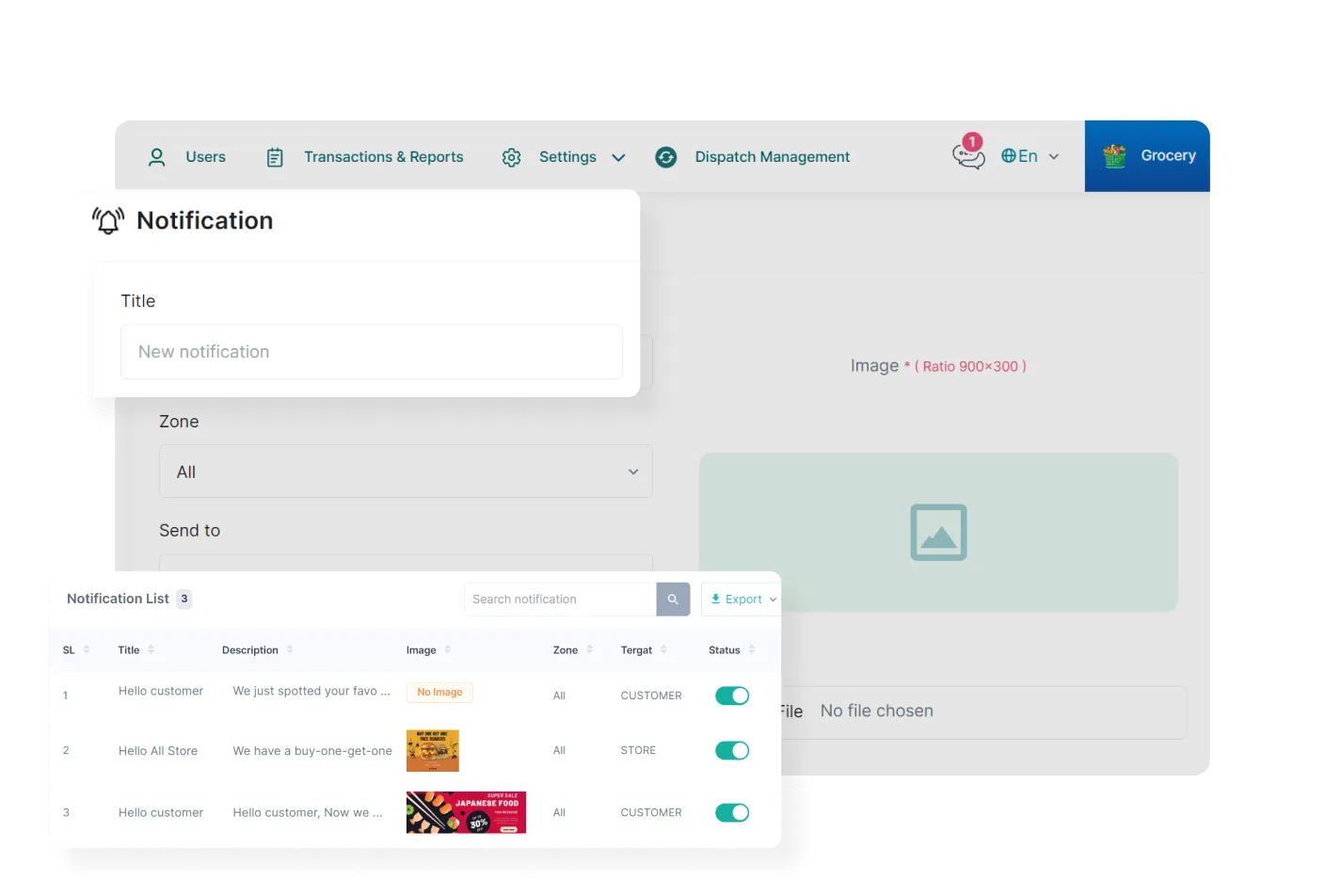
The admin can send module-specific push notifications to users within a zone or across all zones. This feature enables easy delivery of messages, deals, and promotions to targeted users of a module.
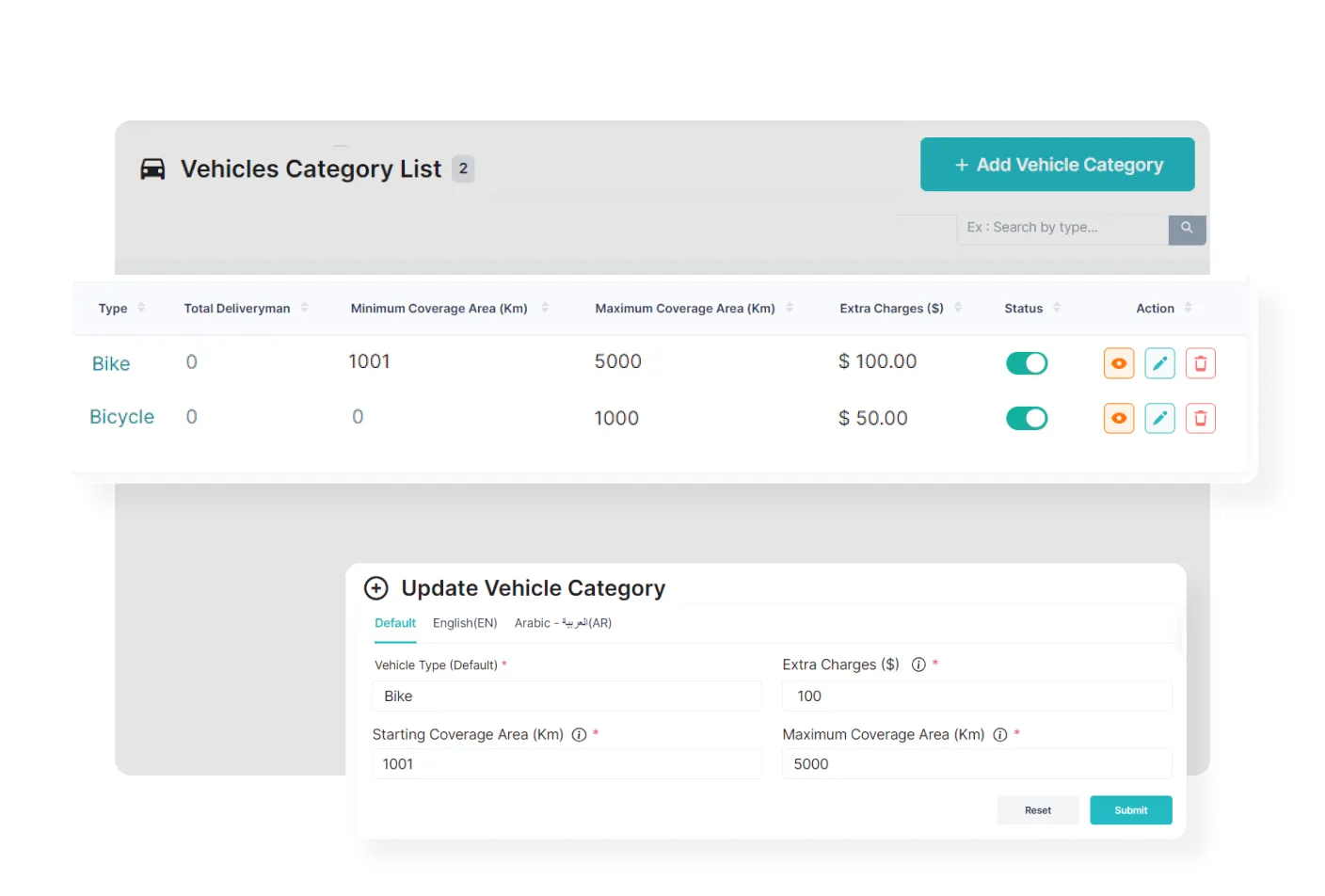
The admin can define the deliveryman's vehicle type, coverage area, and extra charges, providing complete control and customization for efficient and efficient delivery operations.
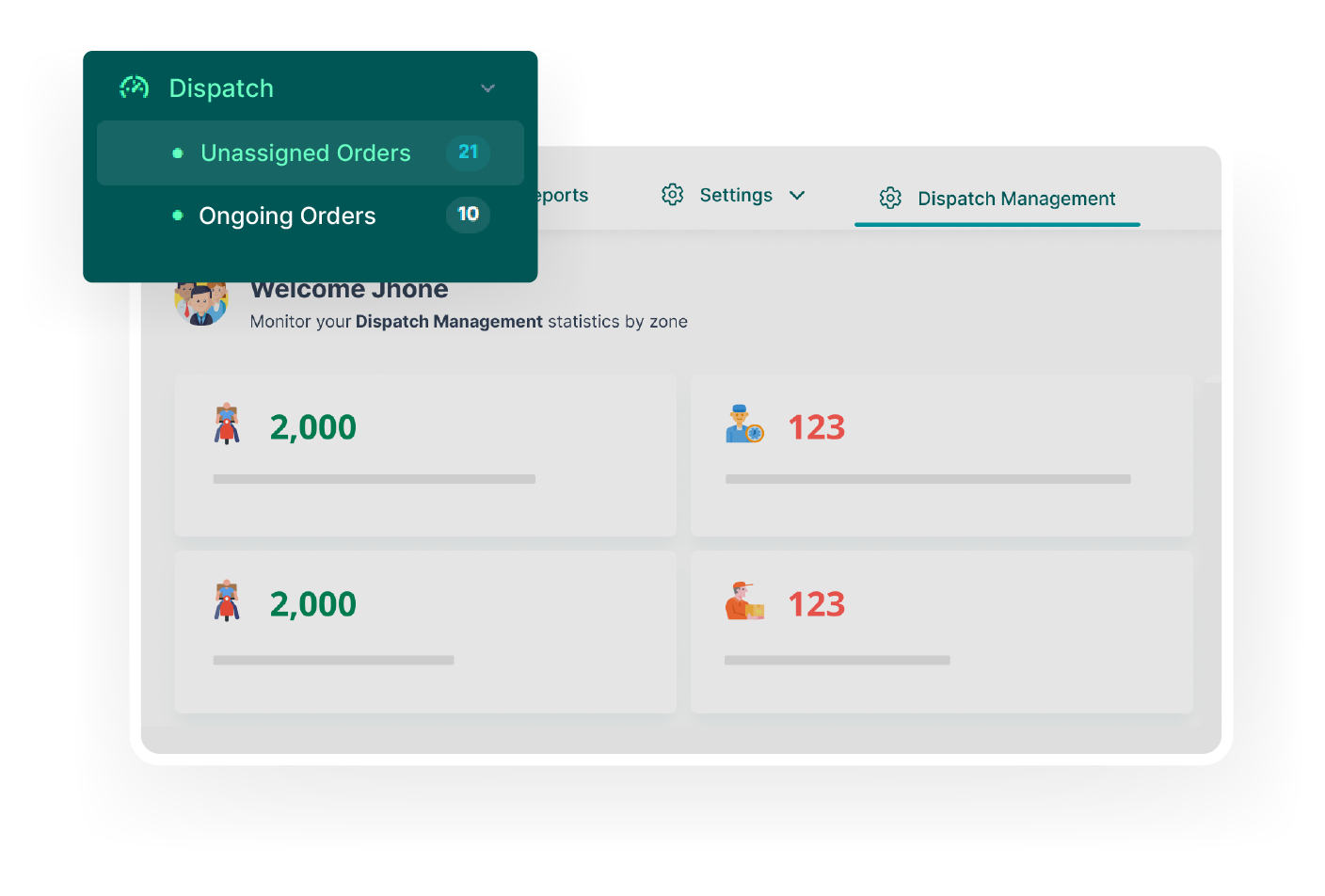
The admin can access reports and track live locations of all deliverymen, ensuring efficient delivery all the time.
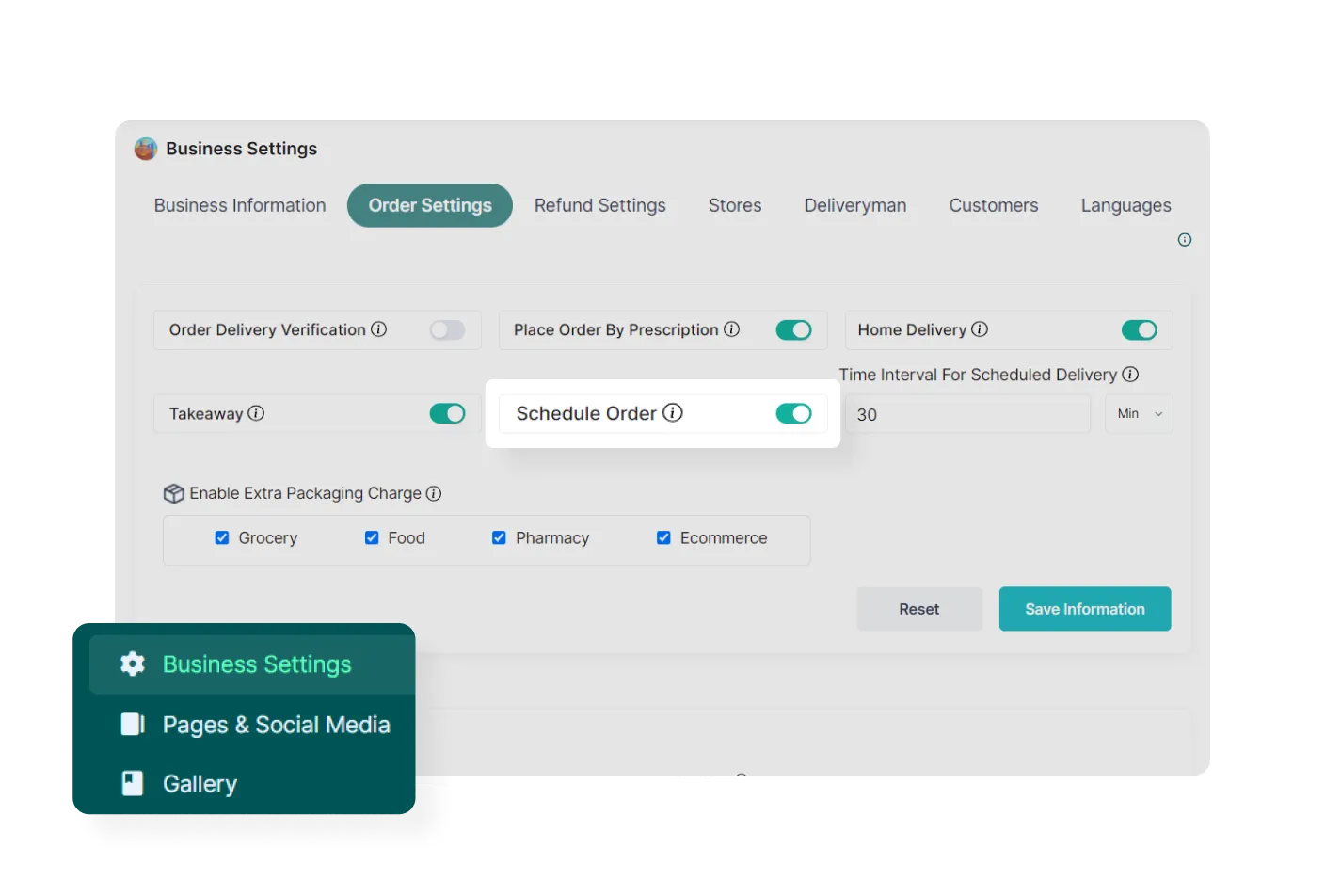
Admin can allow customers to schedule their delivery time according to their convenience, It enhances customer satisfaction and provides a flexible and personalized delivery experience.
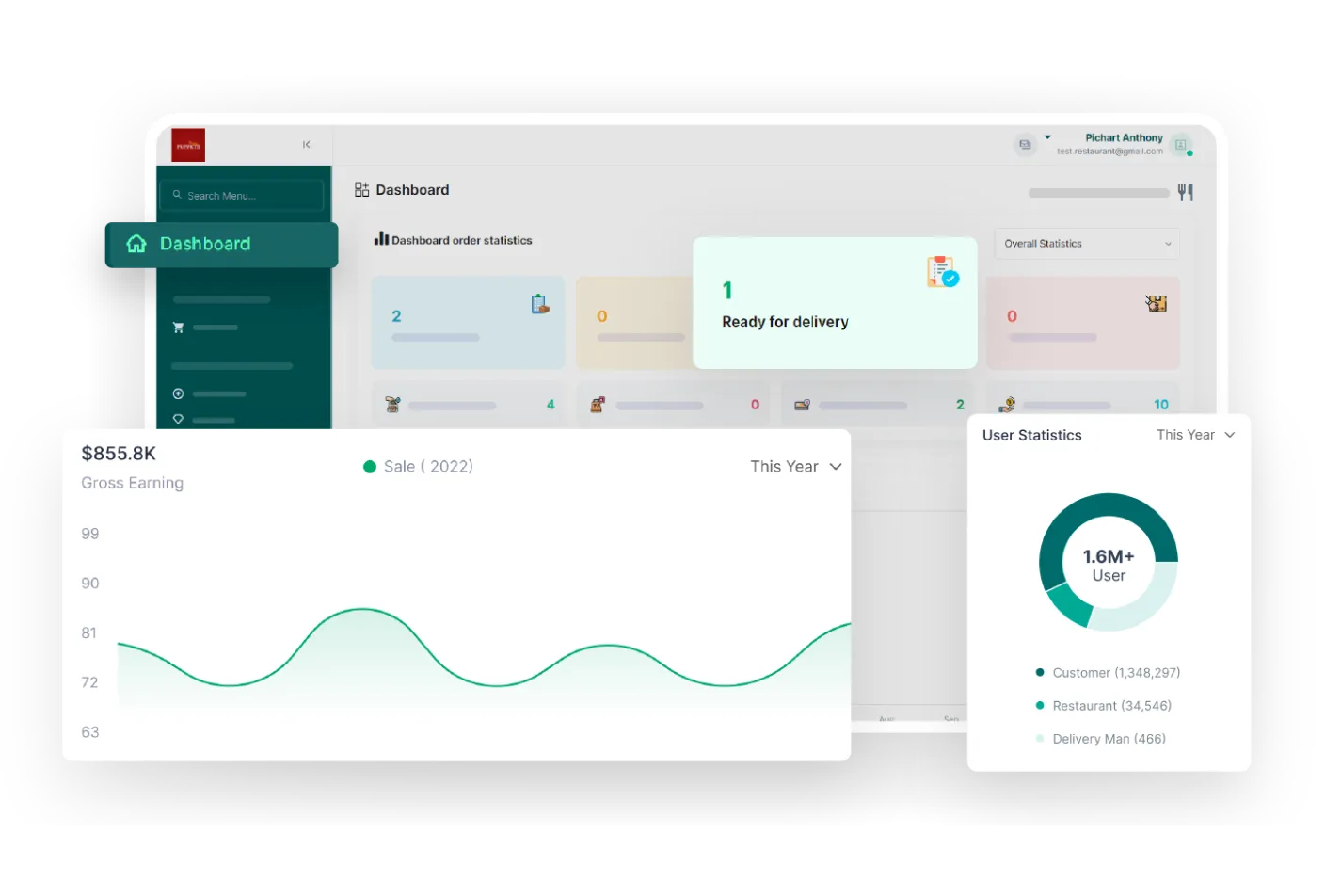
Store owners gain complete business visibility through a centralized dashboard. It provides a combined view of key metrics and insights.
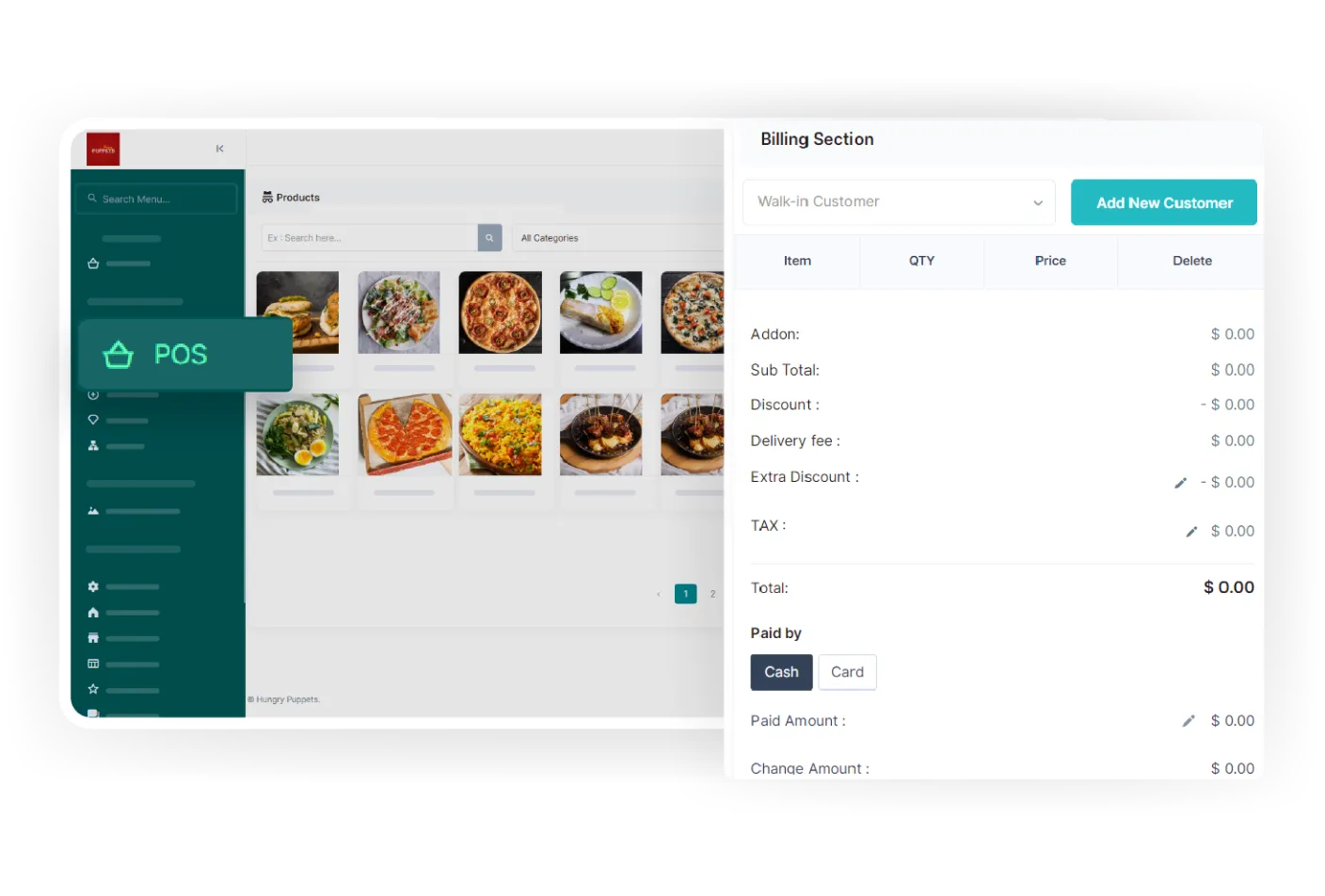
Vendors receive a built-in POS system within their panel, offering a swift billing experience. It simplifies the checkout process, enhances efficiency, and ensures a quick transactional experience.
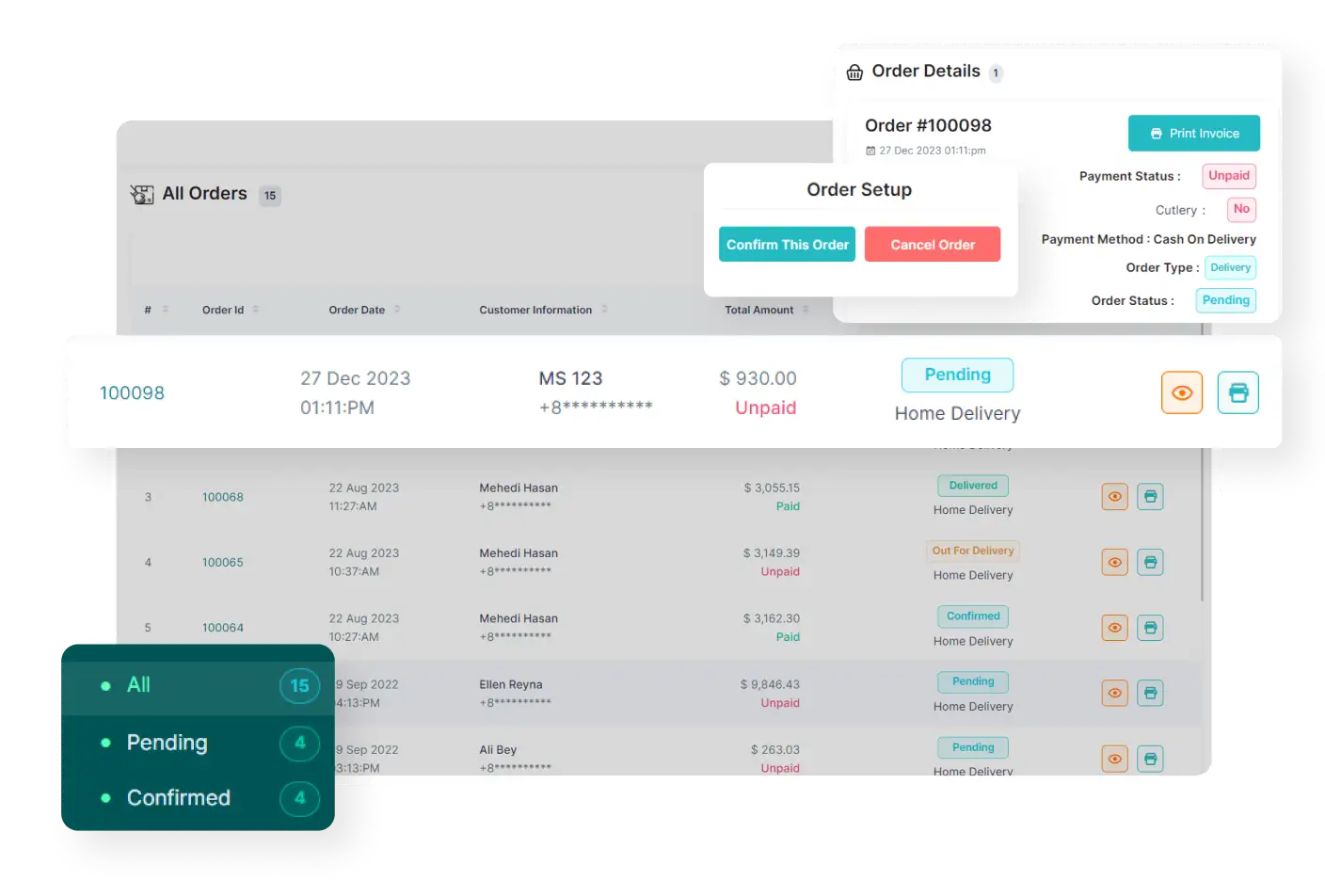
Within the vendor panel, vendors have the ability to search orders based on specific date ranges and take necessary actions, such as processing orders, updating order statuses, and so on.

Vendors can see and update vendor-related information, such as the store name, address, and other relevant details. This ensures accuracy and lets vendors keep their vendor information up-to-date.
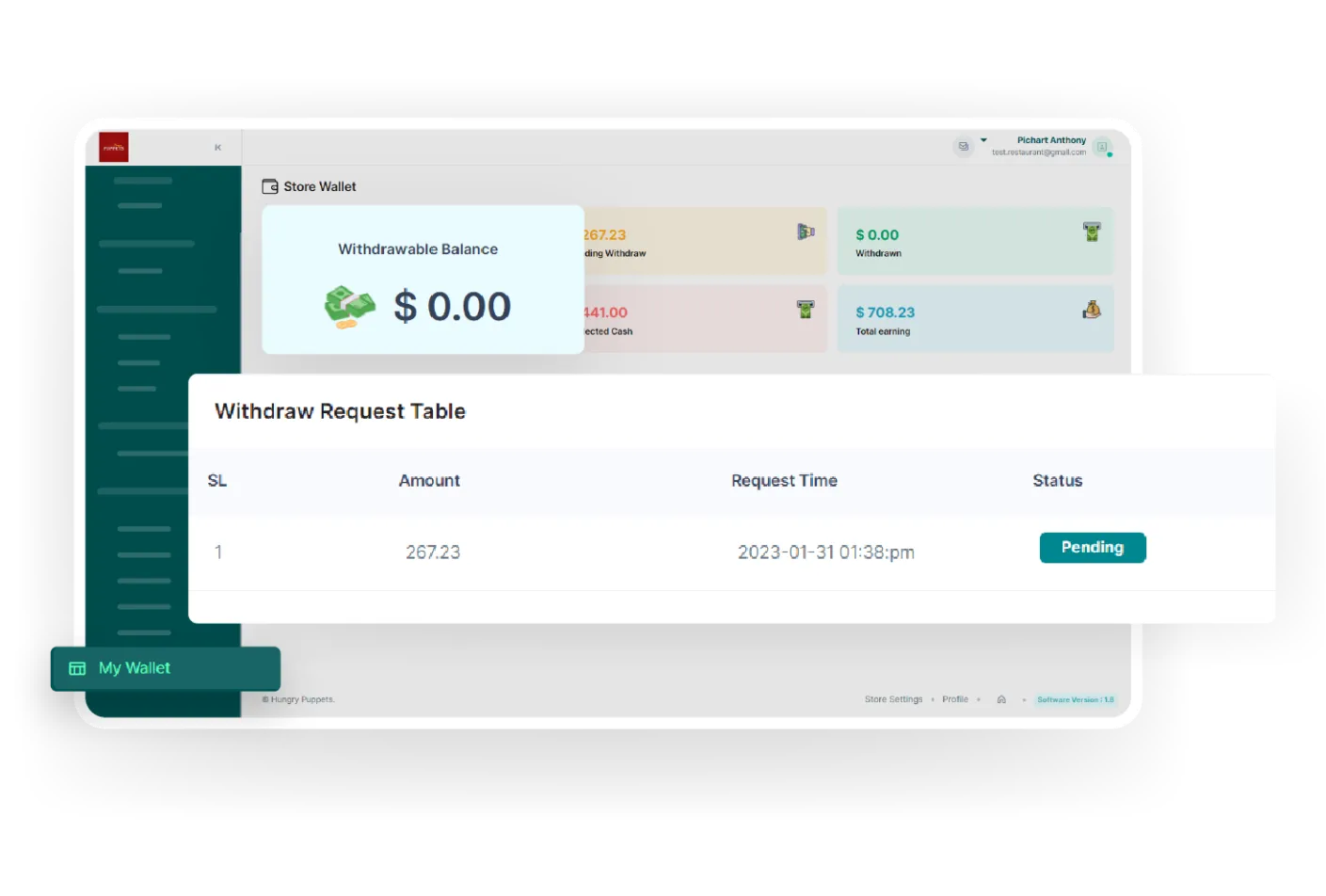
Every vendor has a personal wallet where they can easily track their total earnings, request withdrawals, and manage their financial transactions conveniently, all within one place.

Vendors can effortlessly access and review customer feedback. This helps vendors stay informed about customer experiences and make informed decisions to improve their products and services.
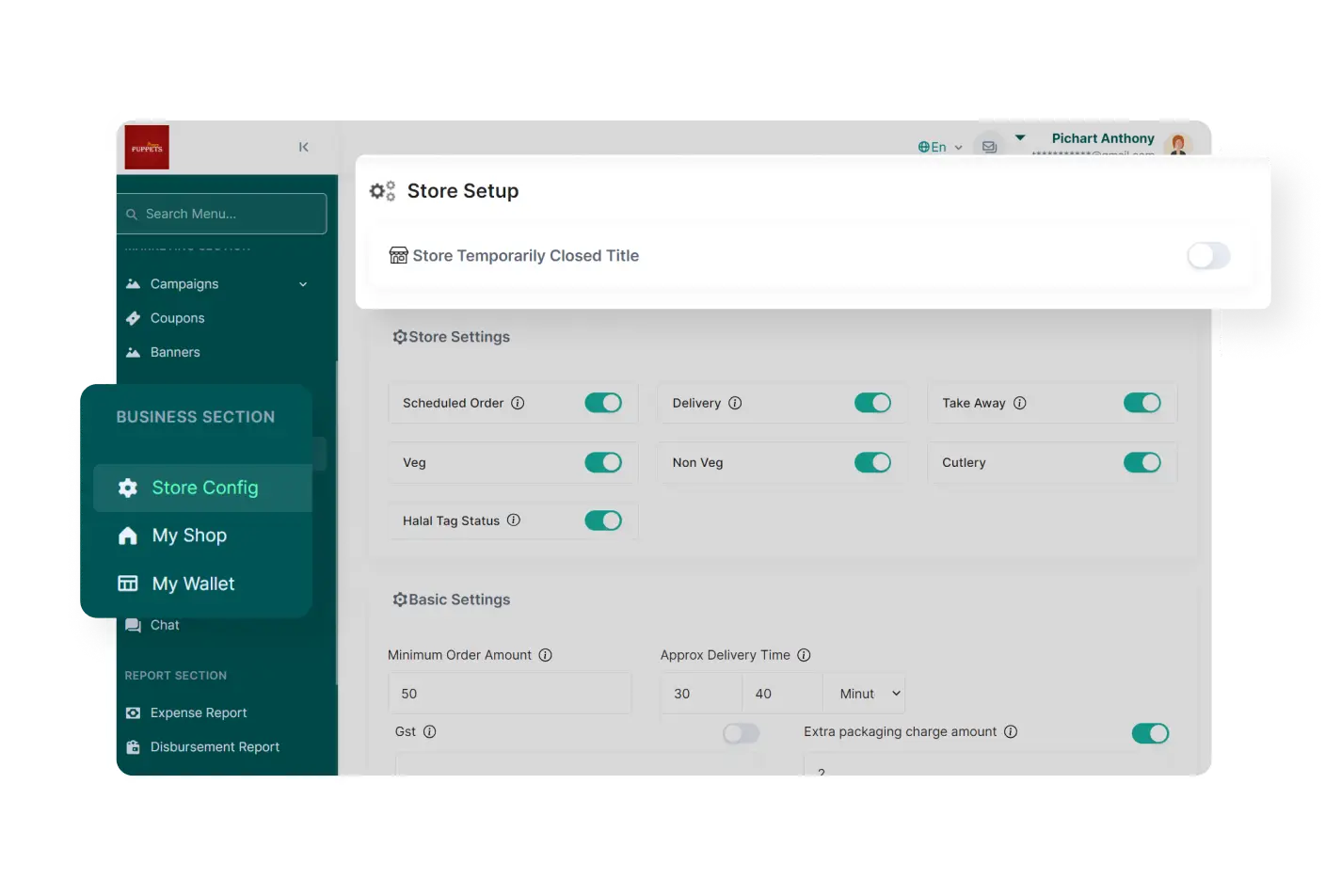
Vendors can temporarily close their stores for a specified period using the Temporary Close feature. This feature allows vendors to inform customers when their shop will be closed.
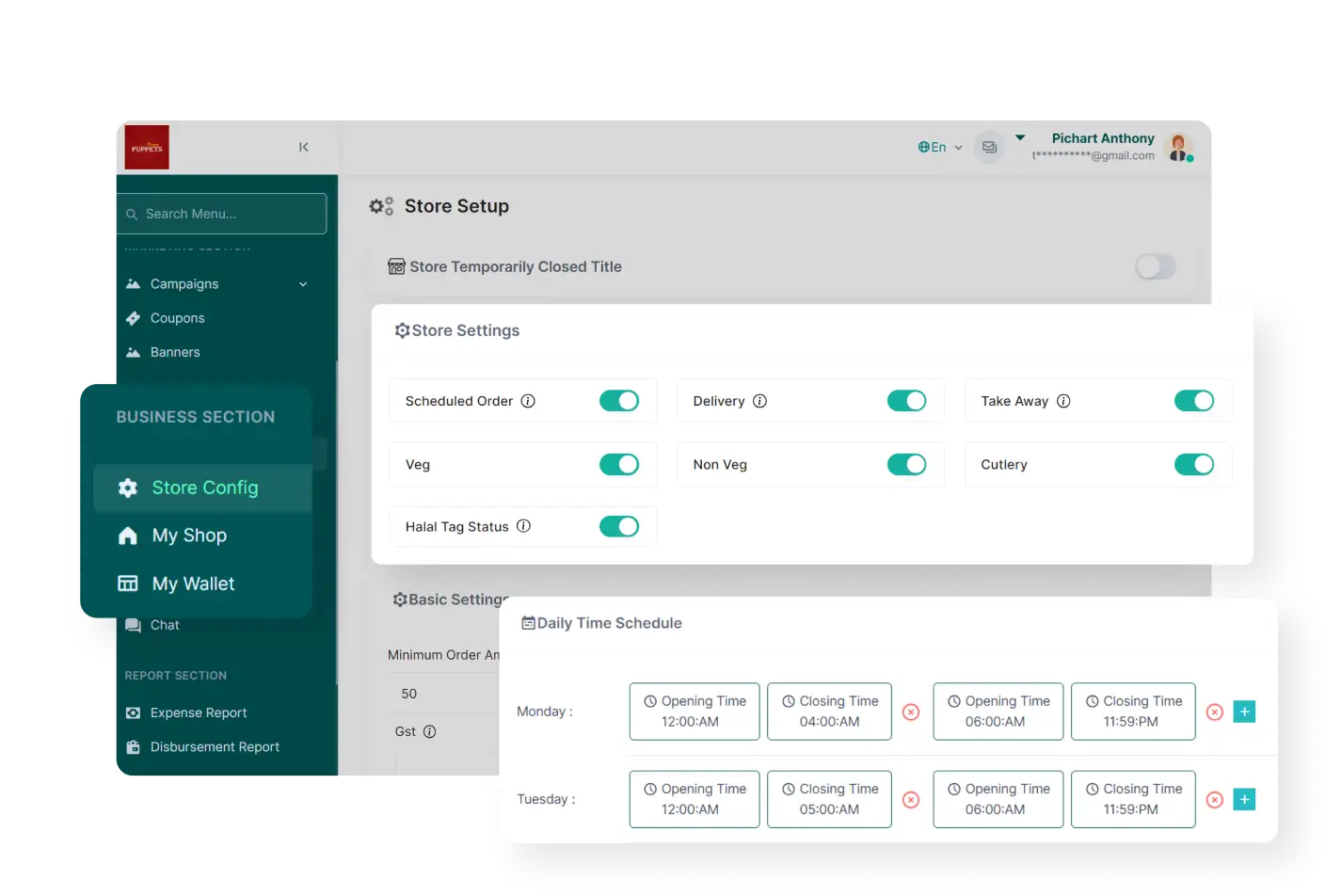
Vendors have the ability to customize their shop settings, including options like scheduled orders and seller delivery. This allows vendors to personalize operations and cater to specific customers easily.
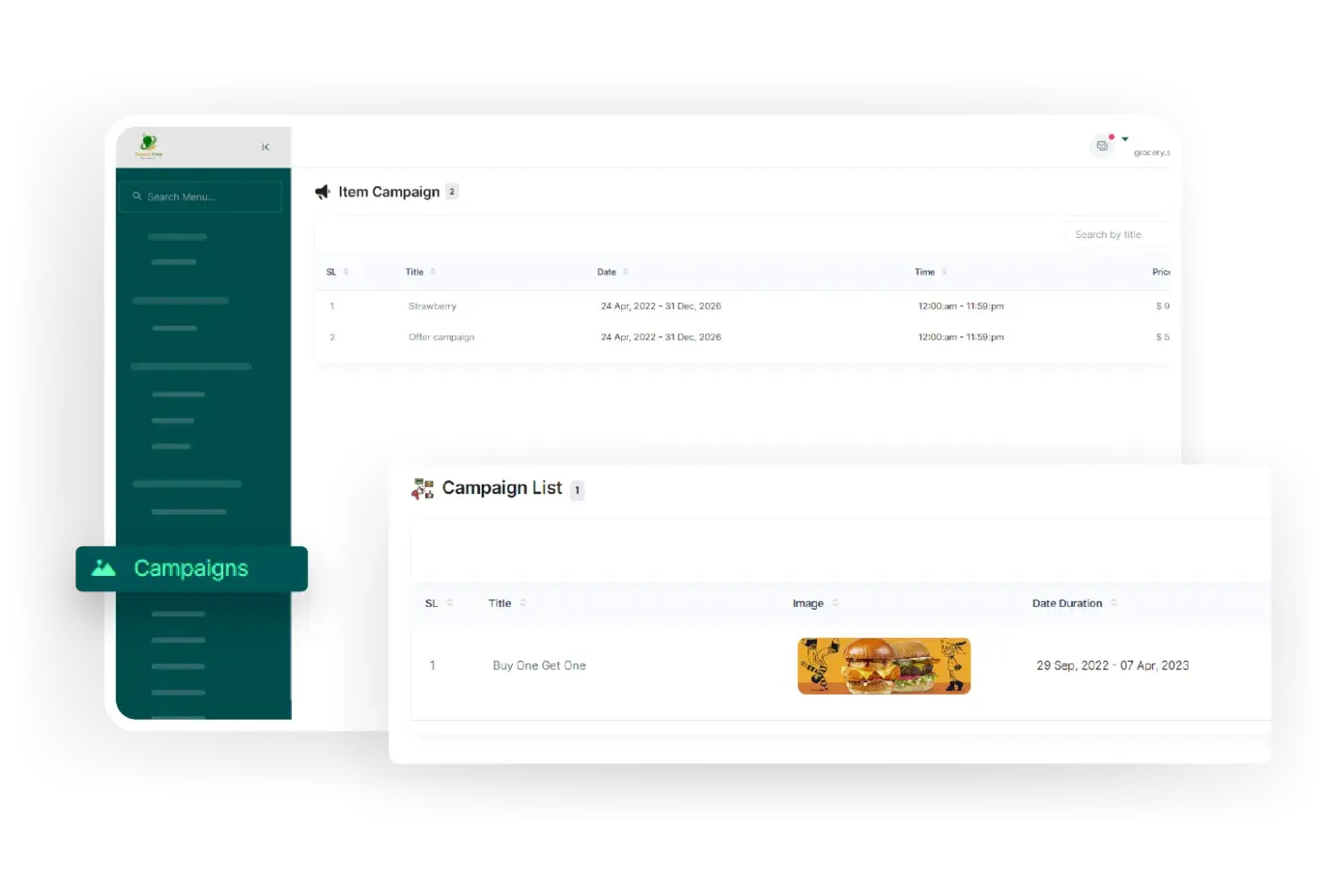
Vendors can create and manage coupons using the Promotion Management section. This enables targeted marketing campaigns, discounts, and promotions to engage customers and increase sales.
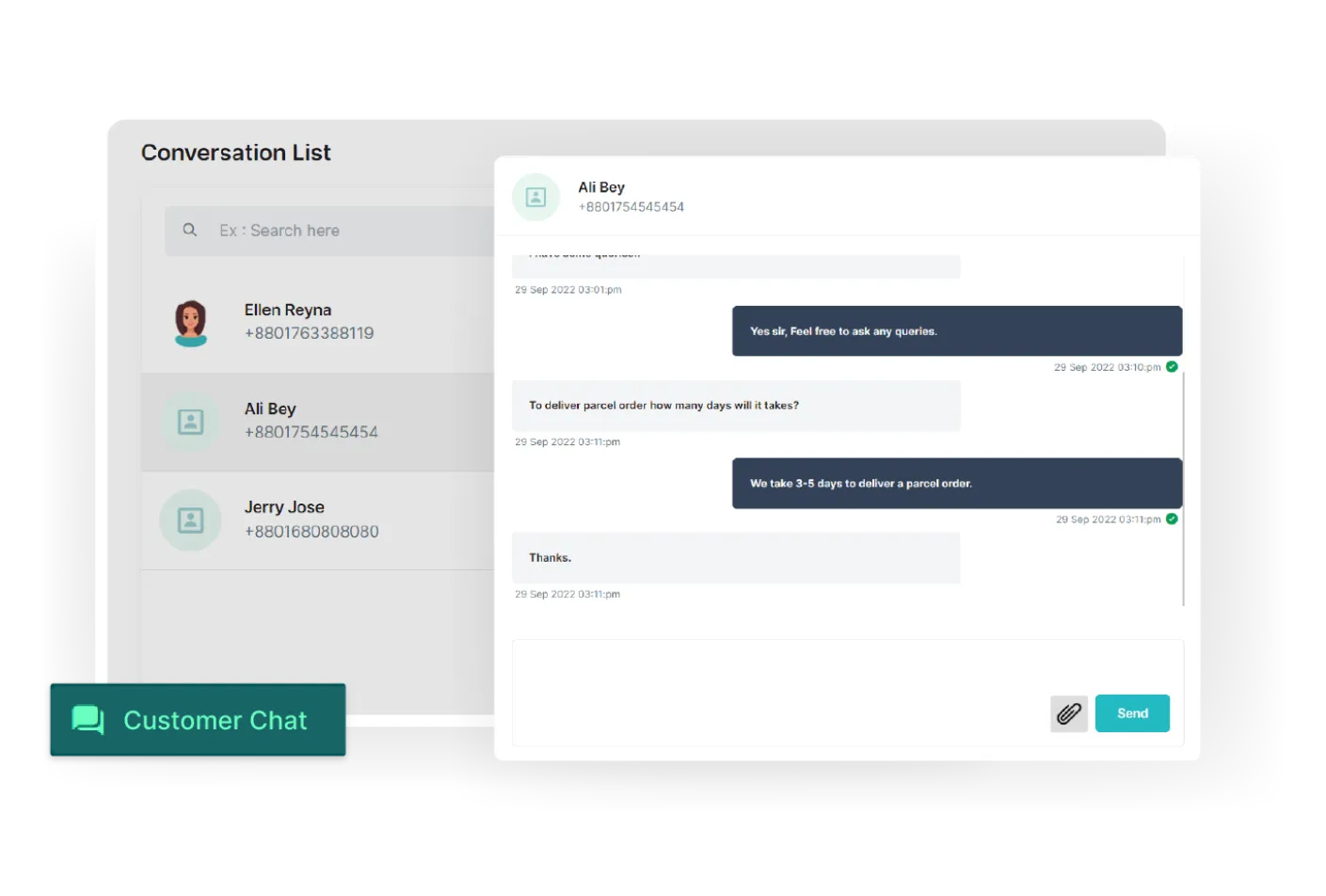
Vendors have the capability to offer instant support to customers and deliverymen through a live chat feature. This allows for real-time communication, resolving queries, and timely assistance.
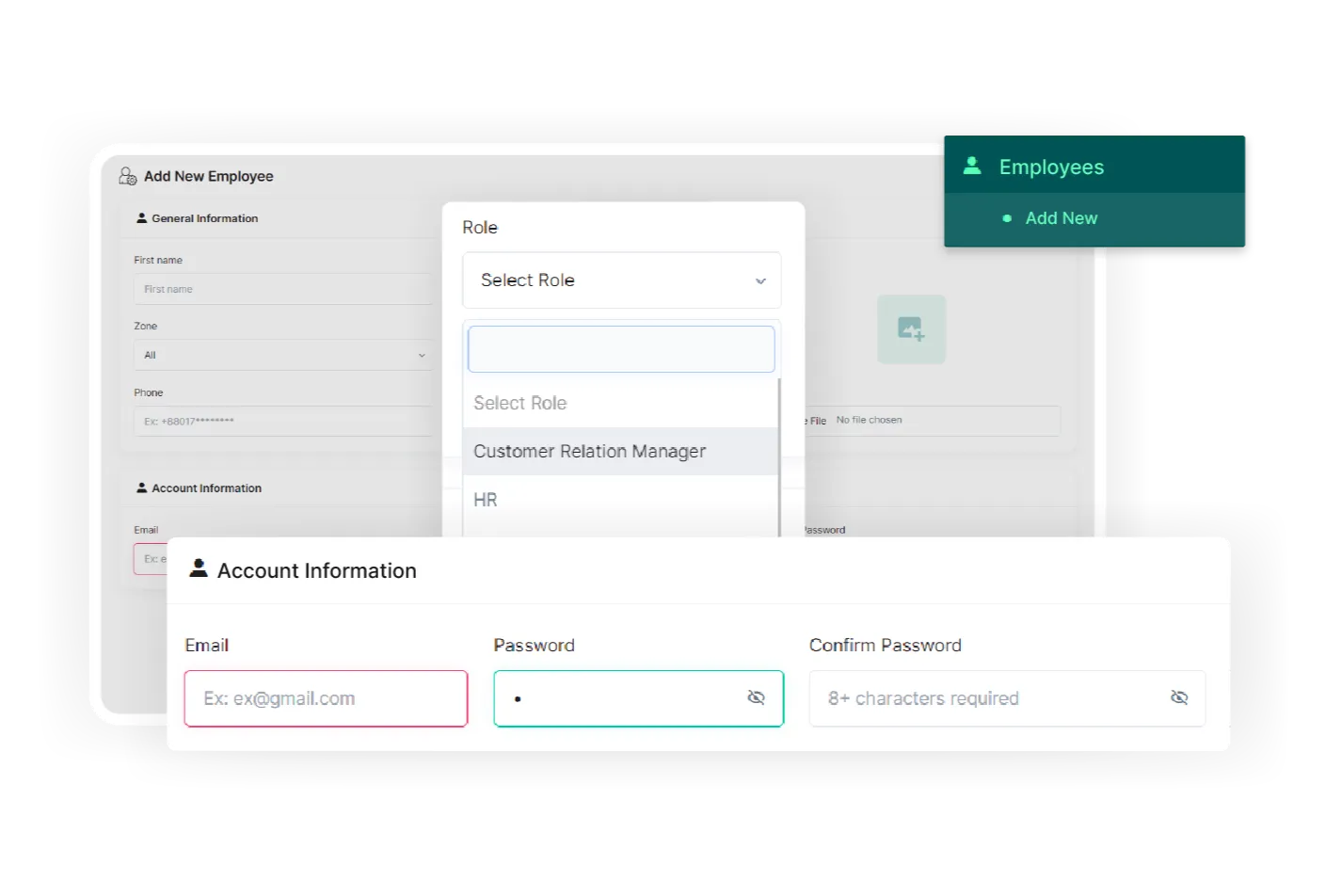
The employee settings feature in the vendor panel allows vendor to manage their employees efficiently. It provides tools to add, remove, and update employee information, ensuring smooth team management.
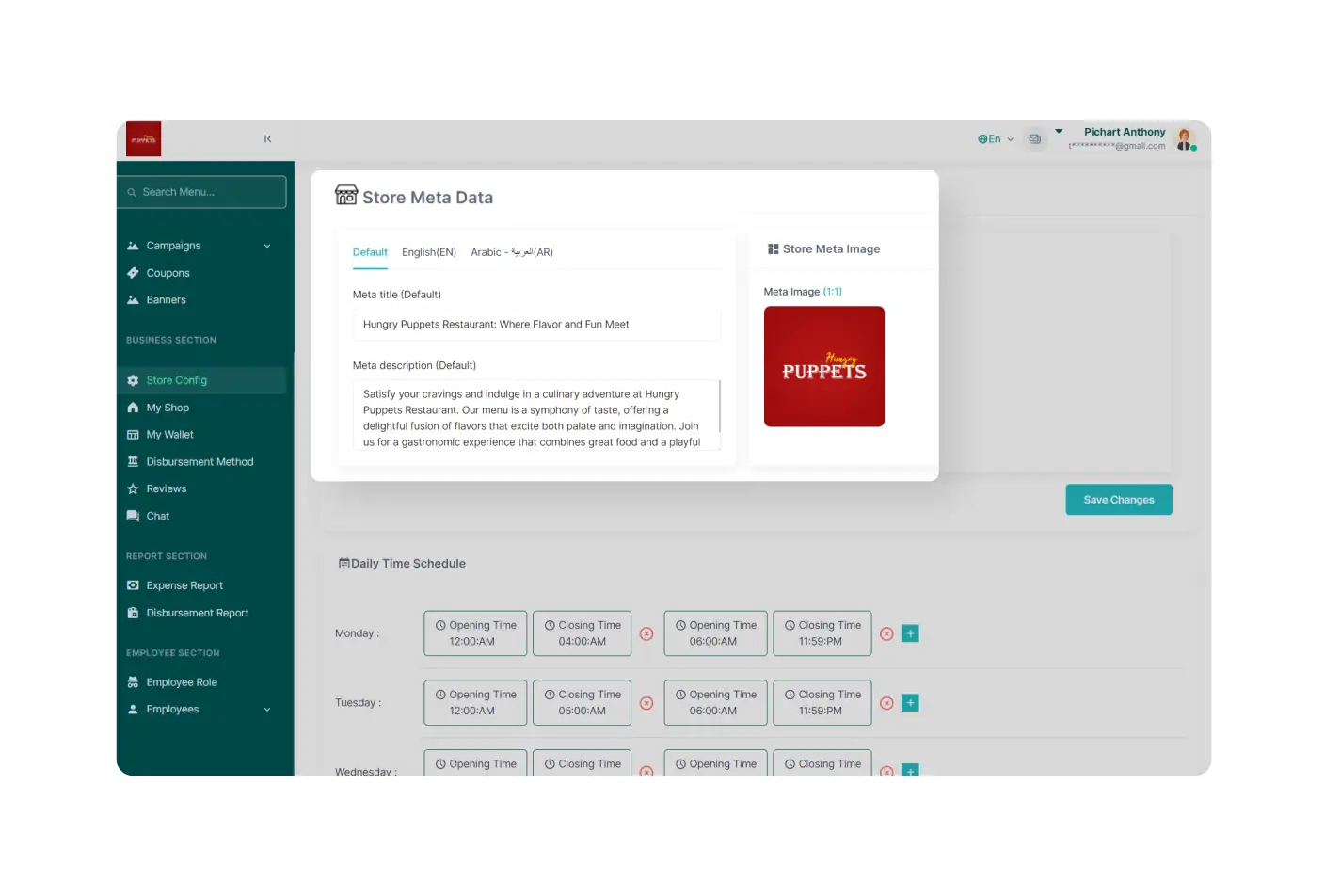
The PaPaYaMart vendor panel supports multiple languages, allowing vendors to operate the platform in their preferred language for a more convenient and user-friendly experience.
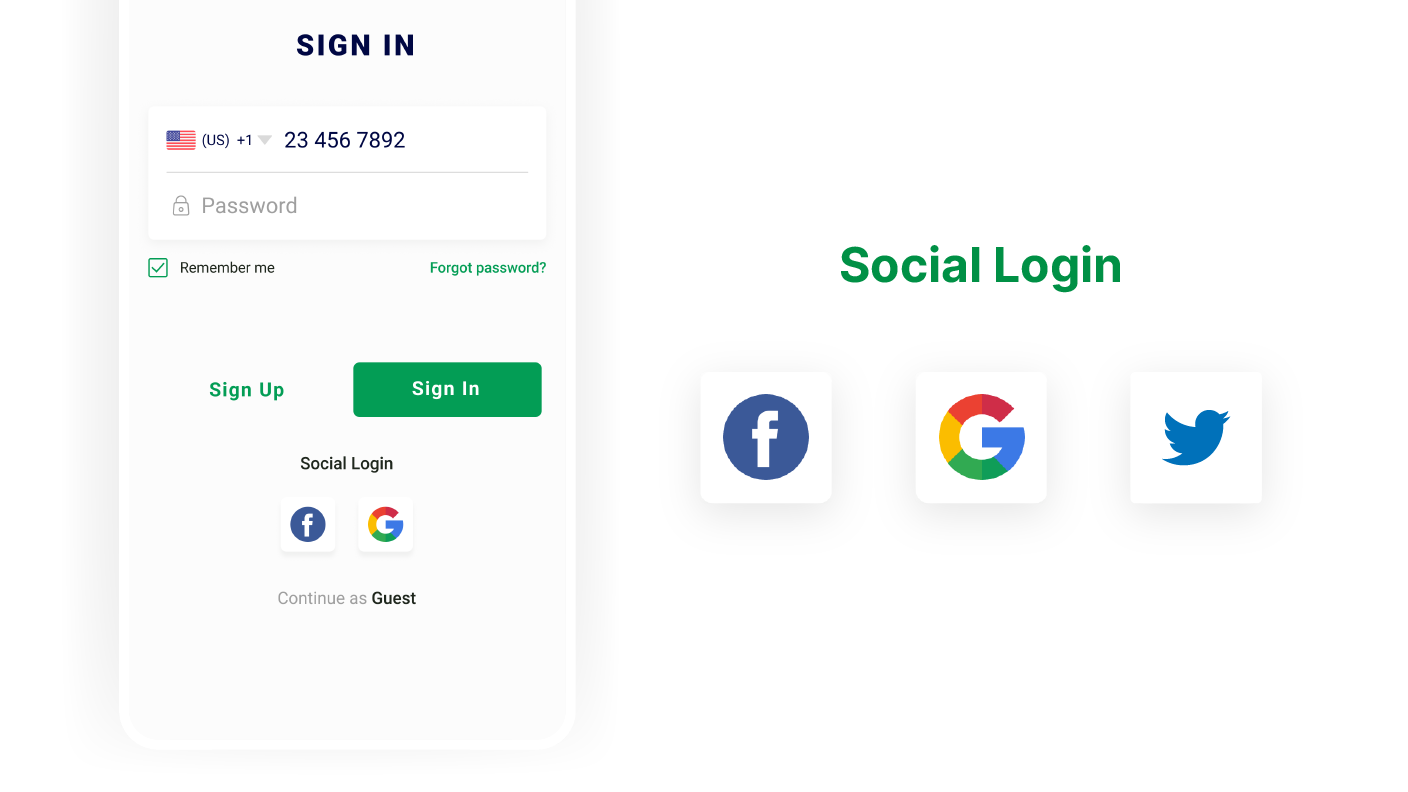
Users can sign in to the customer app effortlessly by using their social media accounts or Gmail account. It eliminates the need for separate login credentials and makes the process quicker.
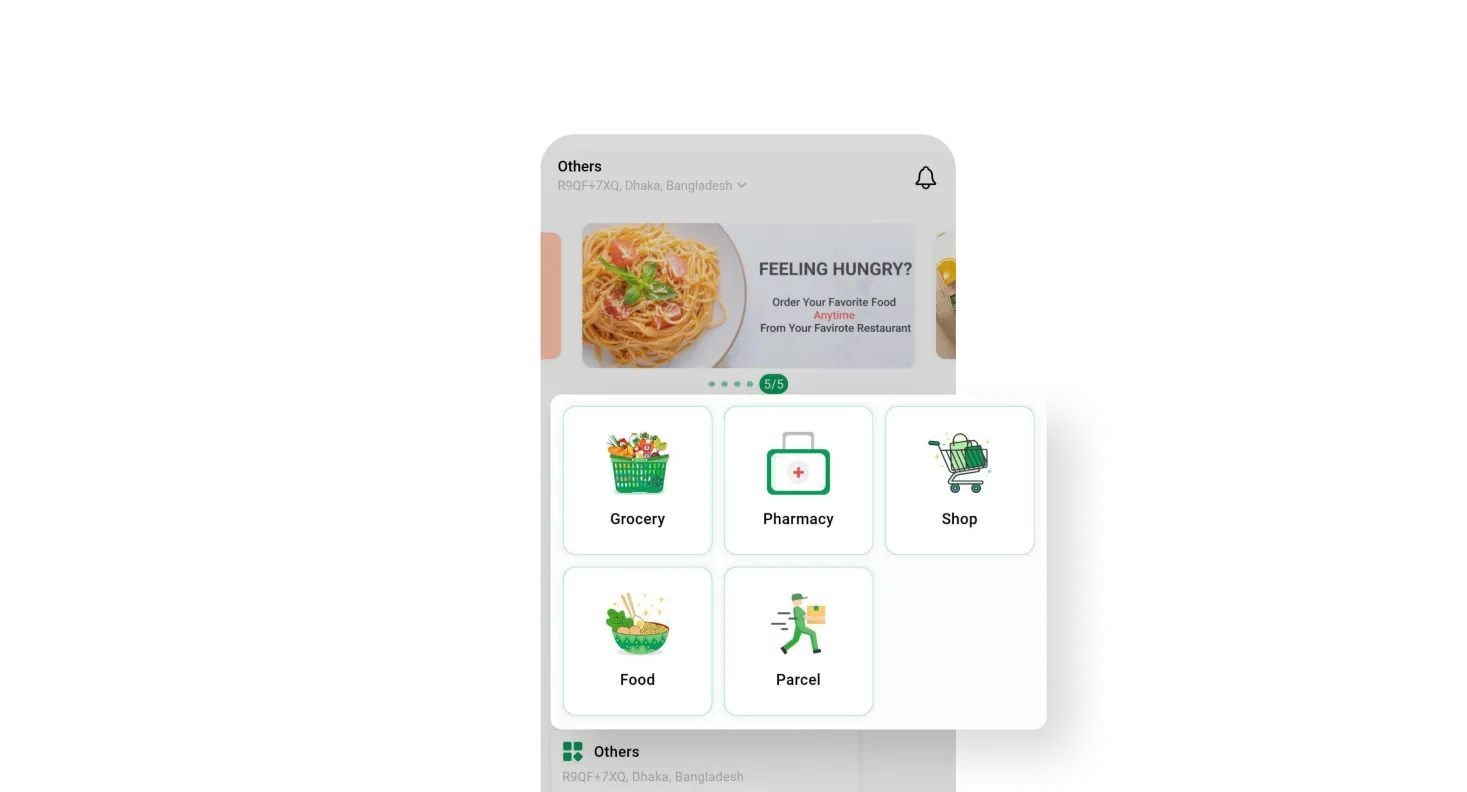
Customers can select their preferred modules by simply using the module button, allowing them to access and engage with the specific features or services they desire within the app.
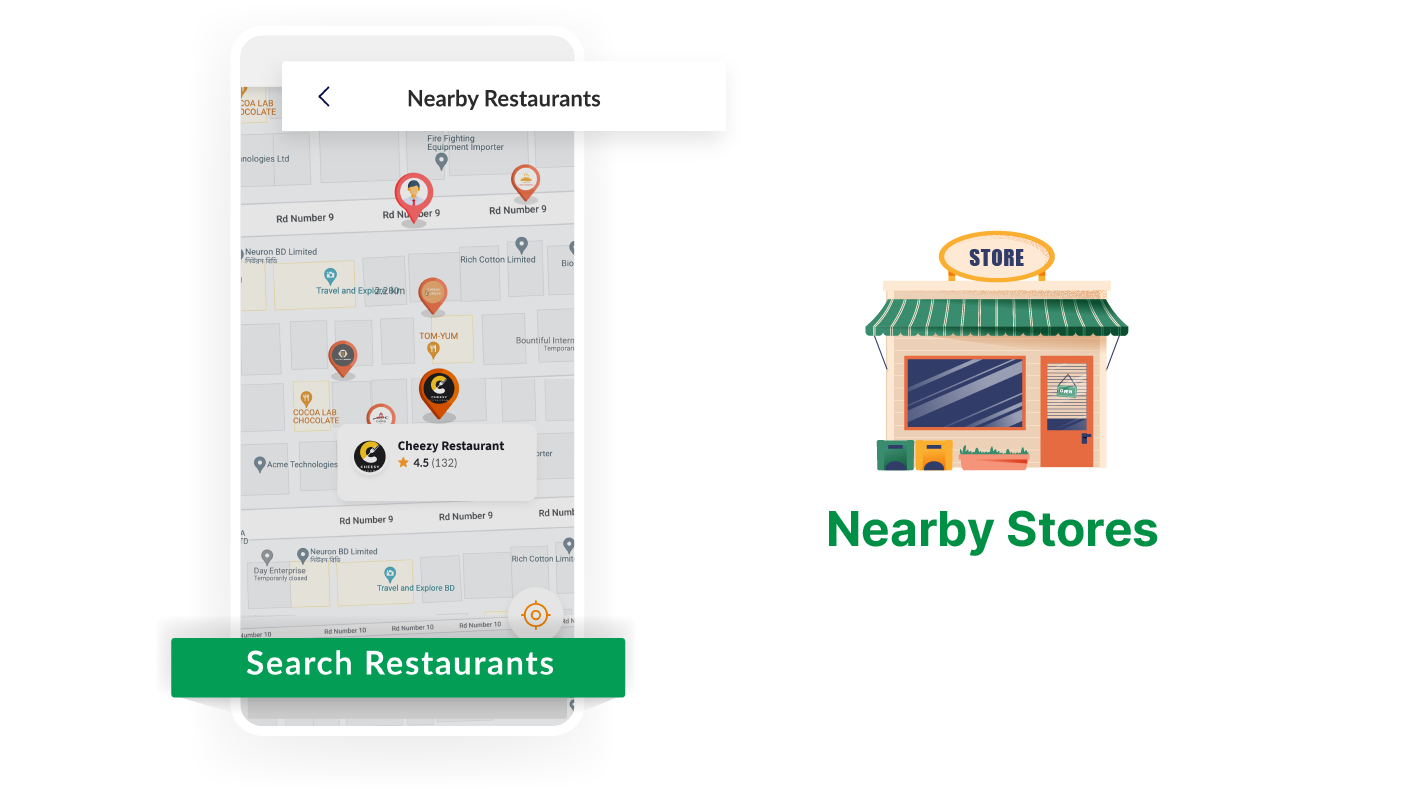
Customers have the option to set their location within the app. It enables them to easily discover nearby stores and items based on location, ensuring a personalized shopping experience.
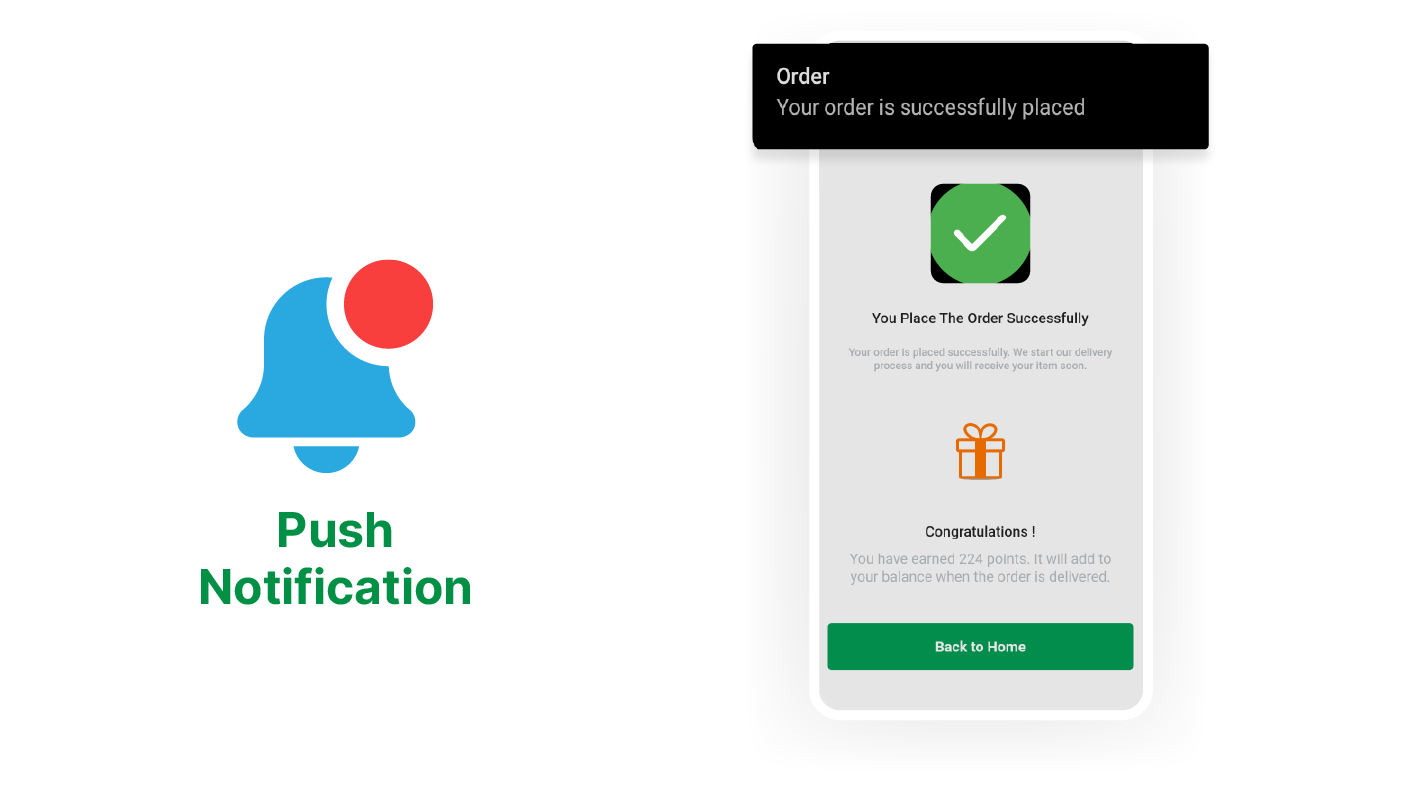
With this feature, customers receive special notifications for exclusive deals, flash sales, and other exciting offers, ensuring they never miss out on great opportunities to save and shop.

The search bar feature allows customers to find and filter products using tags. It makes the search easier and faster through different categories to find exactly what they're looking for.

Customers can stay informed about product updates, sales, and special offers through eye-catching banners displayed on the website. It ensures they are instantly aware of the latest promotions.
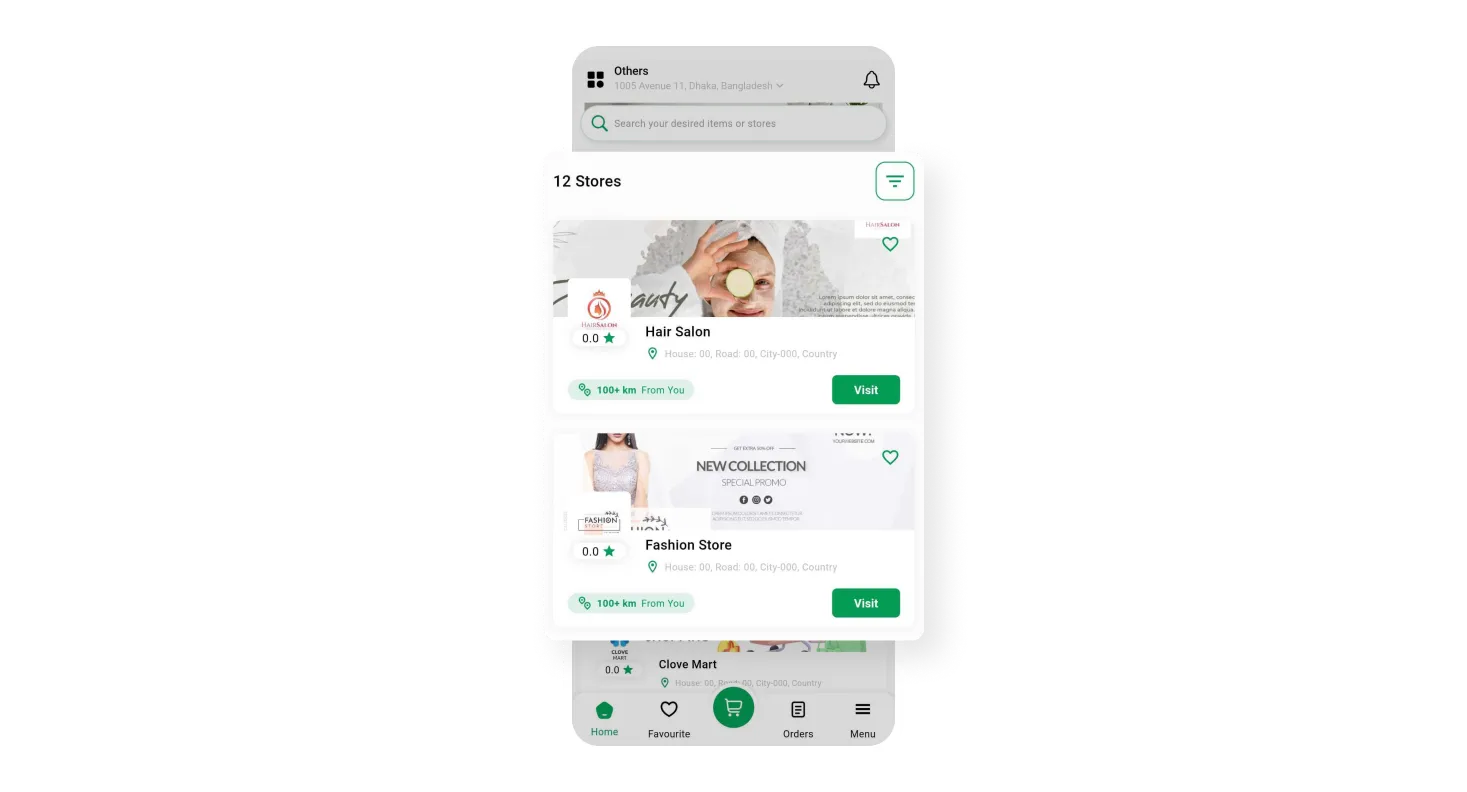
In the Customer app, customers can conveniently locate and access the specific shop they are searching for. It allows them to browse and purchase products directly from their desired shop easily.
Customers have the opportunity to purchase products at discounted prices by using amazing coupons and special discounts. It ensures they get great value for their money, thus enhancing satisfaction.

Users can easily select their preferred native language from a wide range of options, such as Urdu, Hebrew, Arabic, and more. It ensures a simple and personalized user experience across the system.

Within the customer app, customers can effortlessly access and oversee their current and past orders. This feature helps them to track their purchases and manage their order history conveniently.
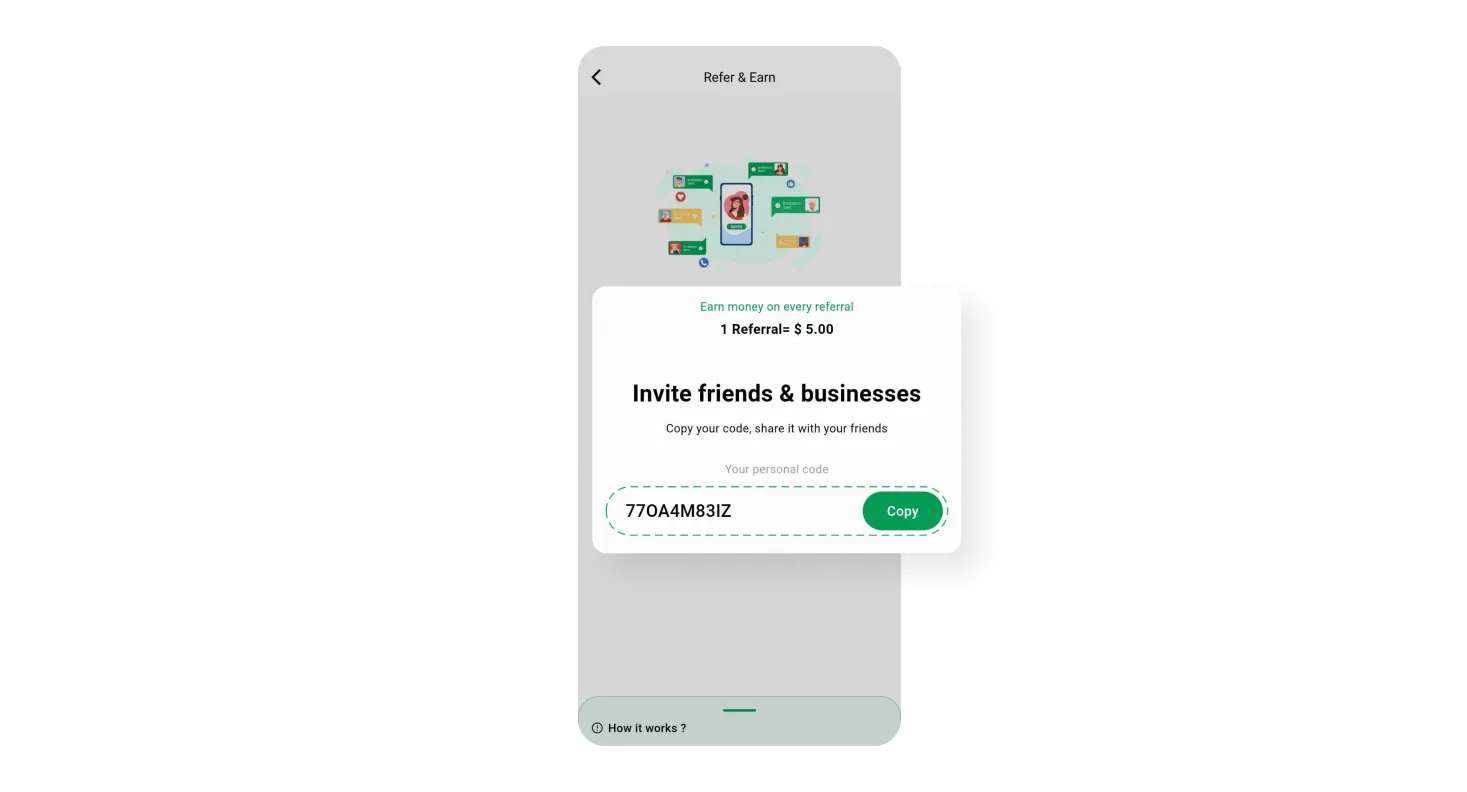
Customers can refer their family and friends through the PaPaYaMart customer app, earning exclusive referral points that can be added to their wallets as a reward for their referrals.
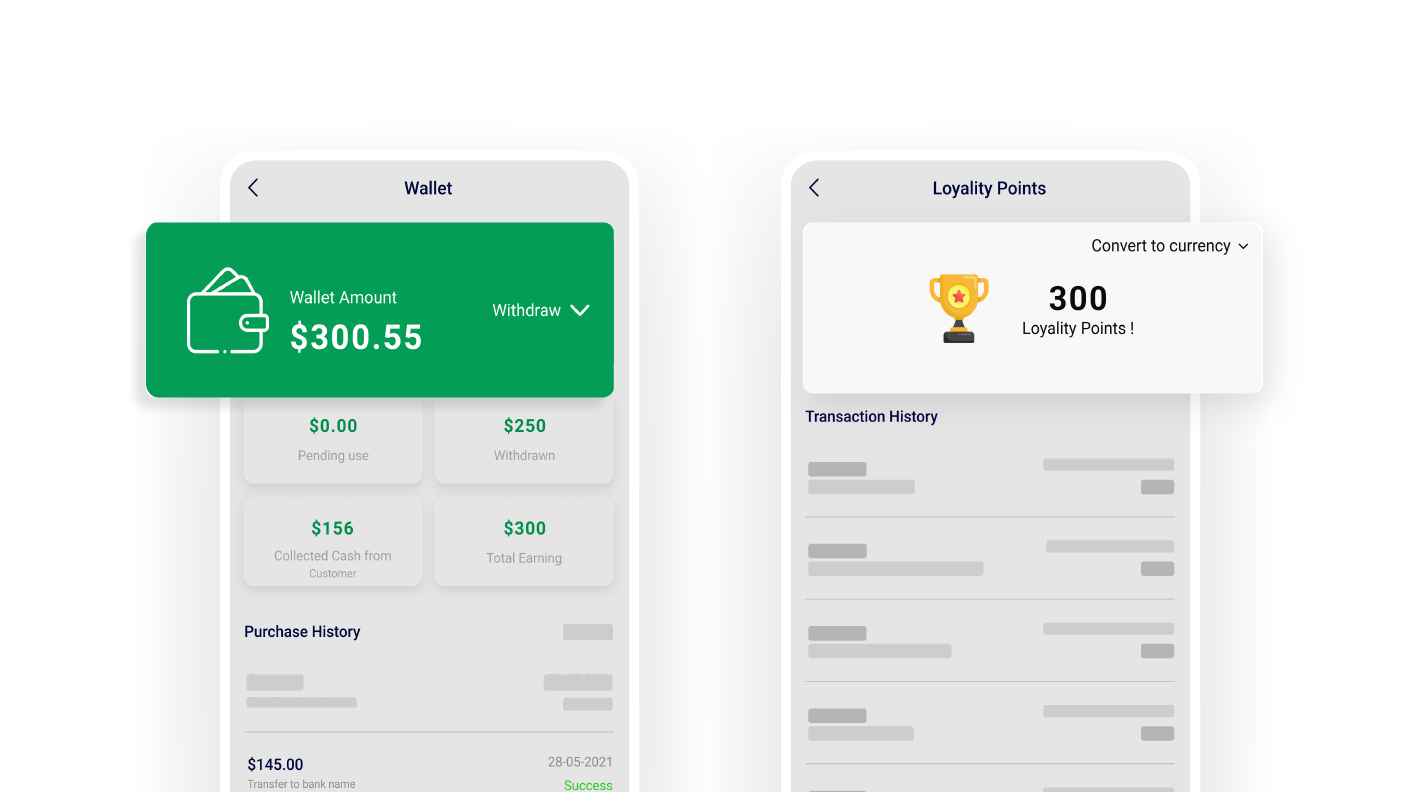
Customers earn loyalty points and receive refunds directly in their wallets by achieving specific goals. It enhances their shopping experience and provides added value for their loyalty.
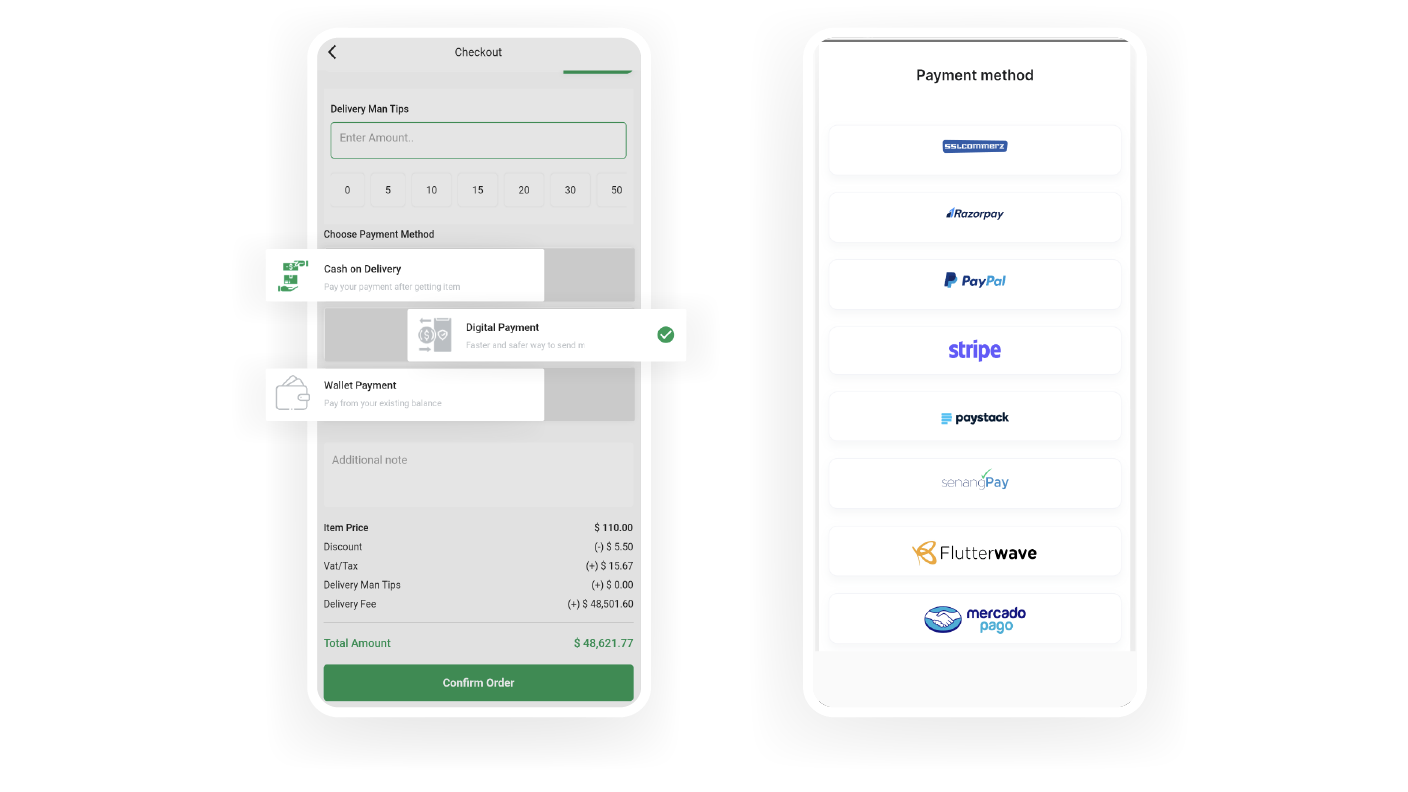
The customer app provides support for multiple payment methods, including Cash on Delivery (COD) and various digital payment options, allowing customers to choose their preferred way for transactions.

In the customer app, customers can easily collect their ordered products directly from the store location if they prefer. It provides them with flexibility and control over their delivery experience.
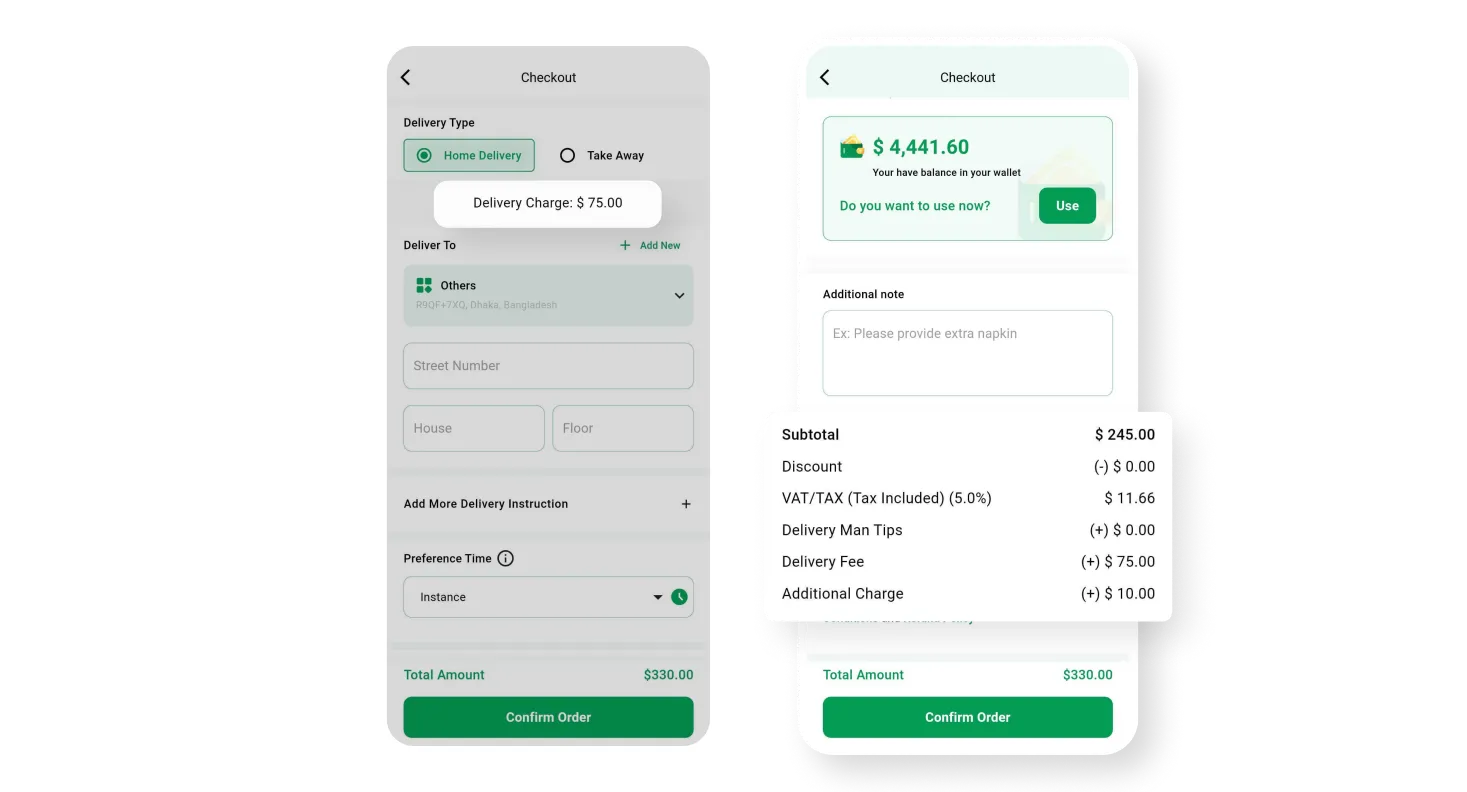
Customers are charged a reasonable delivery fee based on the zone or location they have selected. This ensures a fair pricing structure for a specific delivery area.
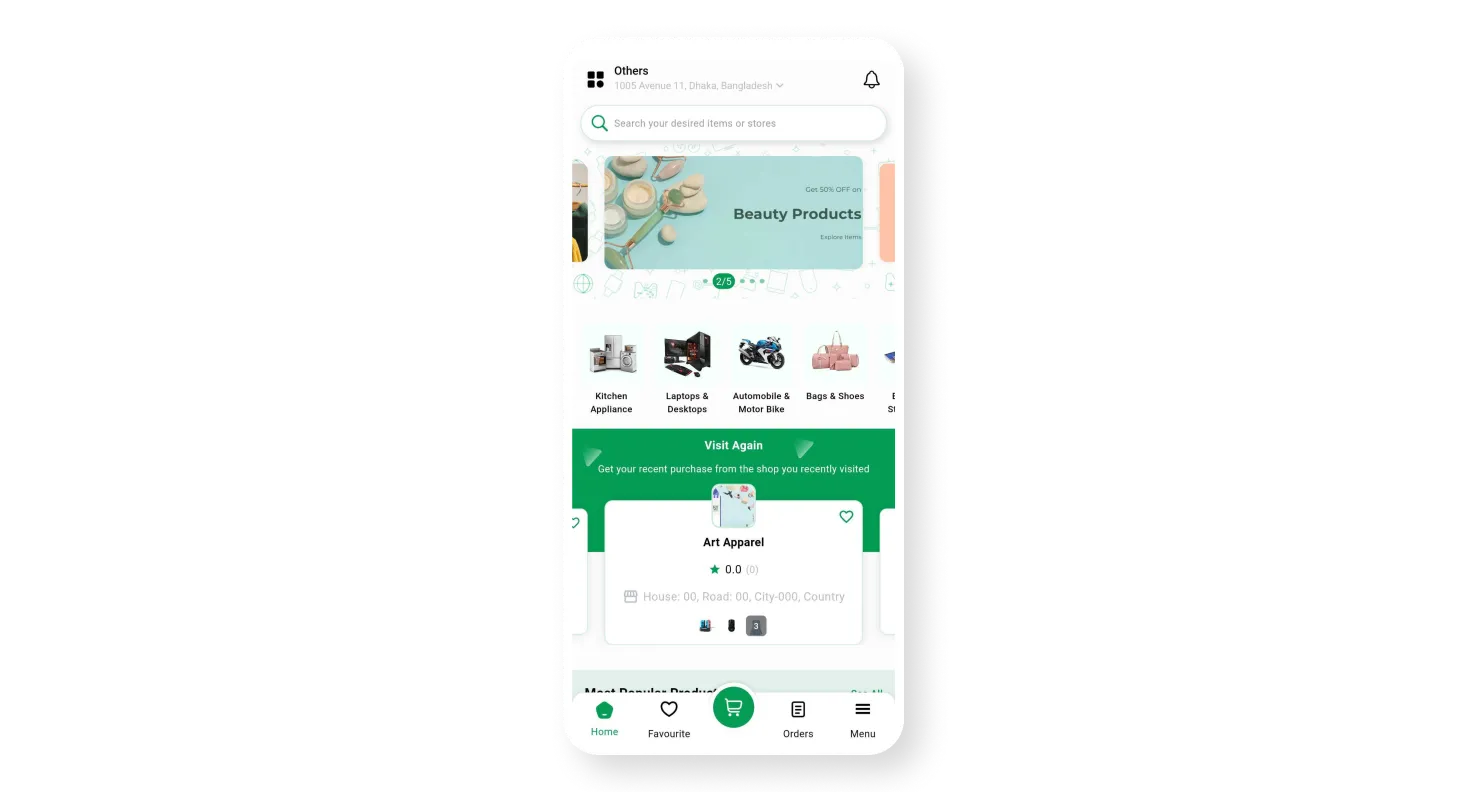
On the Home page, customers can easily navigate various categories, explore different vendors, and discover the latest deals, providing a complete overview of all the available options.
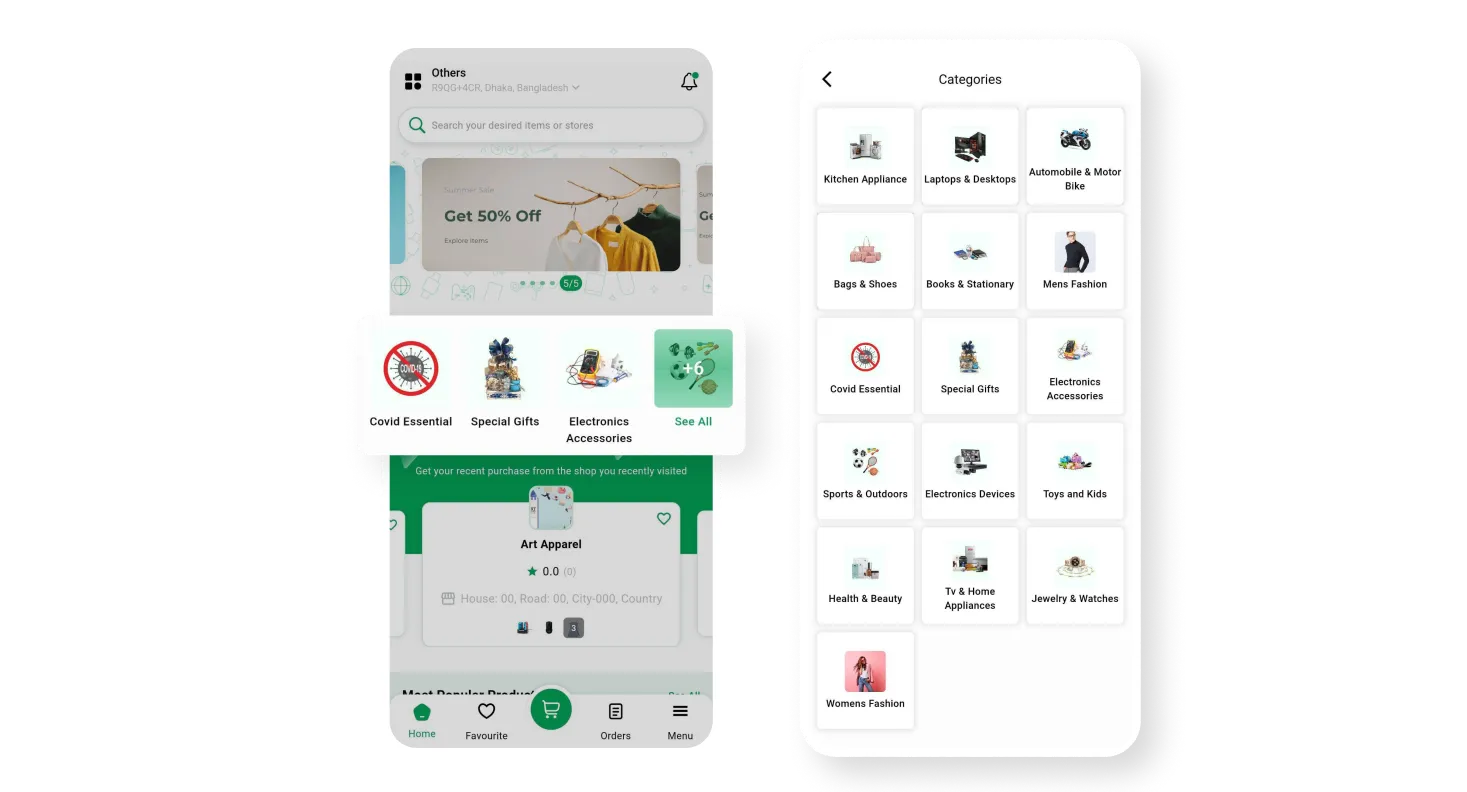
By organizing products into specific categories and providing relevant attributes, customers can effortlessly navigate and purchase items that meet their preferences from the Customer app.
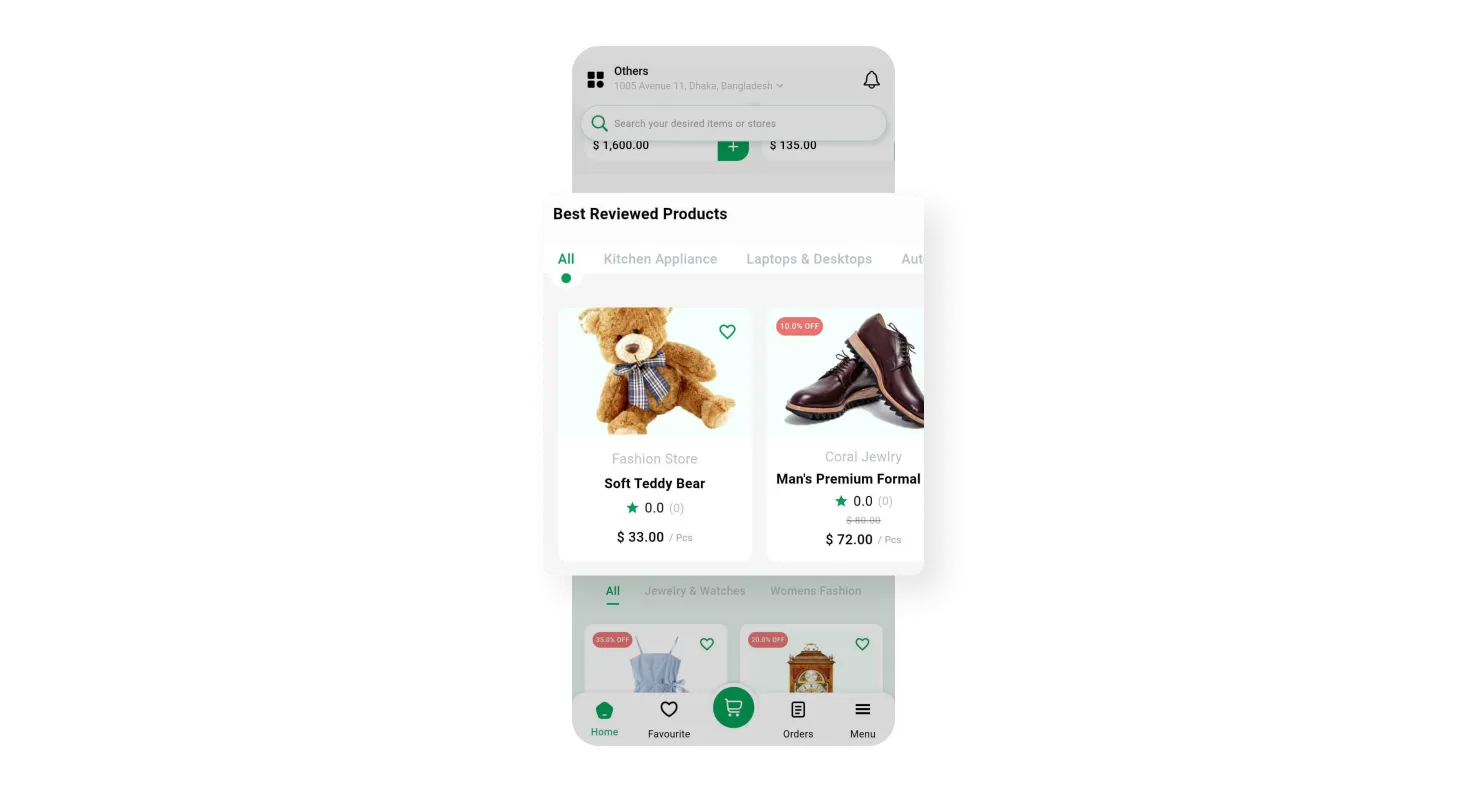
Customers can easily discover products that have received higher ratings and positive feedback from other customers. It helps them make informed purchasing decisions and find good items.
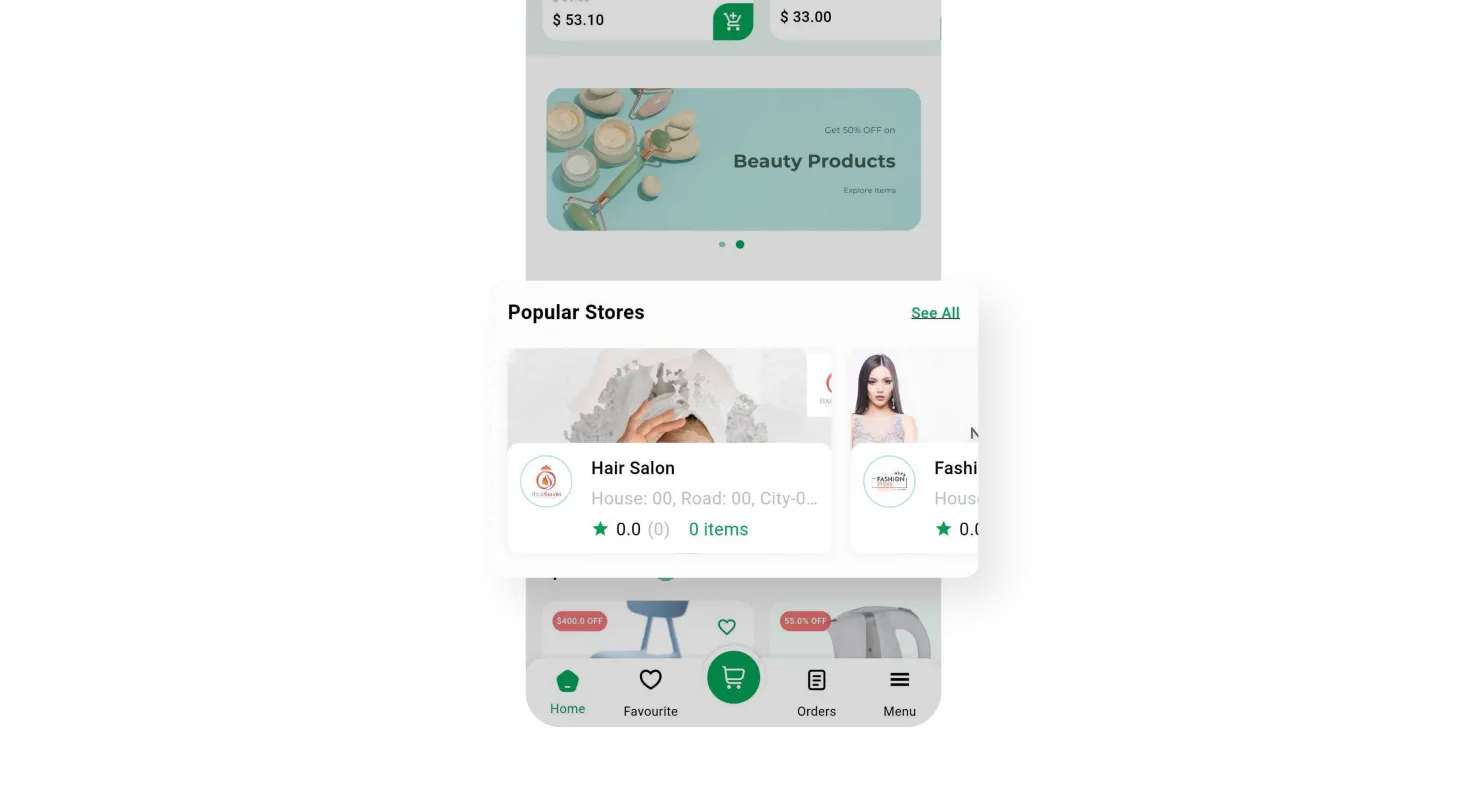
Customers can quickly discover the top-rated shops whose products are trending. It allows them to explore popular and highly recommended items, ensuring a satisfying shopping experience.
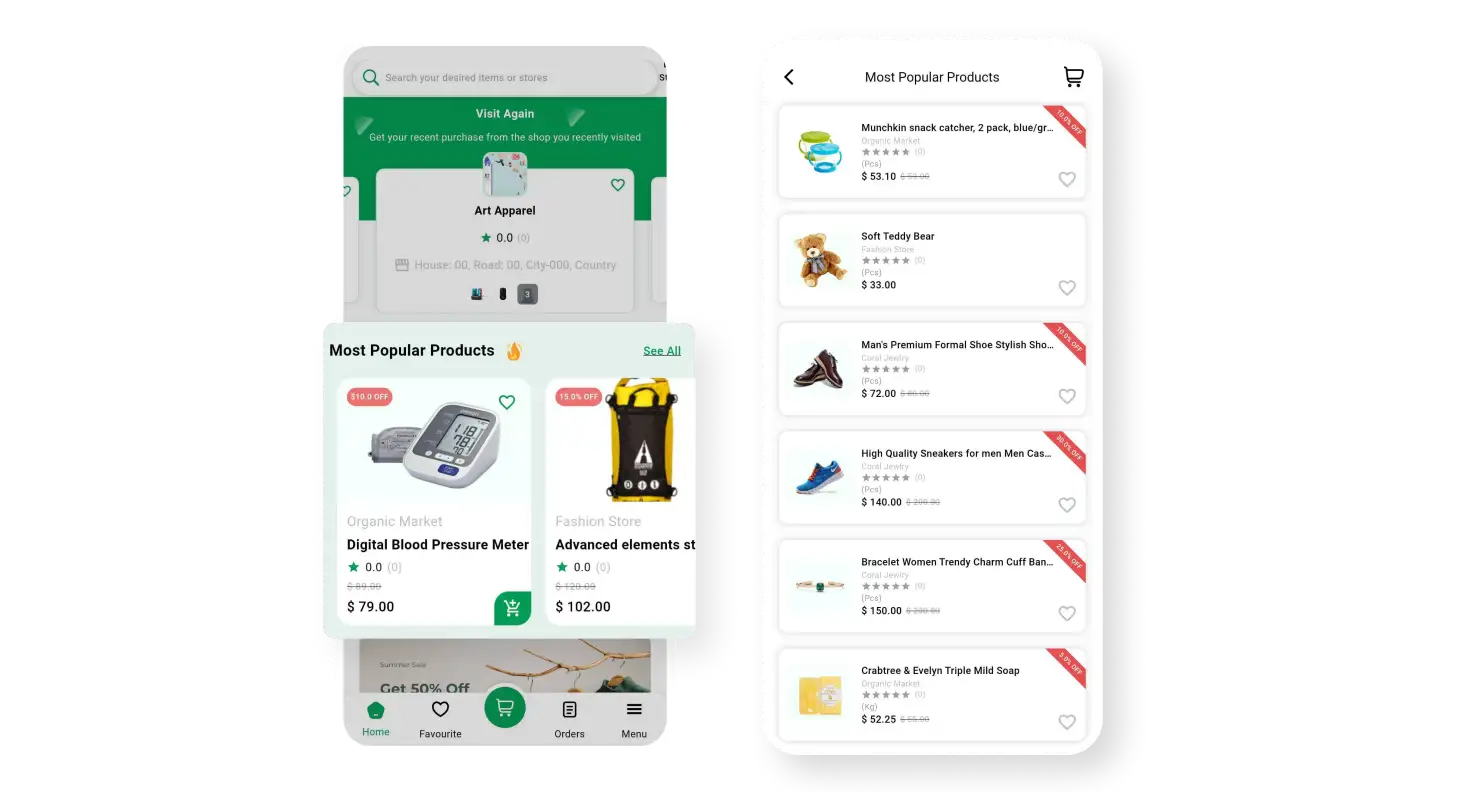
By utilizing the location feature of the Customer app, customers can conveniently view all the trending products in their areas, making it easier to discover popular items and shop locally.

Customers can easily find newly added and latest products on the system. It ensures they stay up-to-date with the latest offerings and have a wide range of options to choose from.
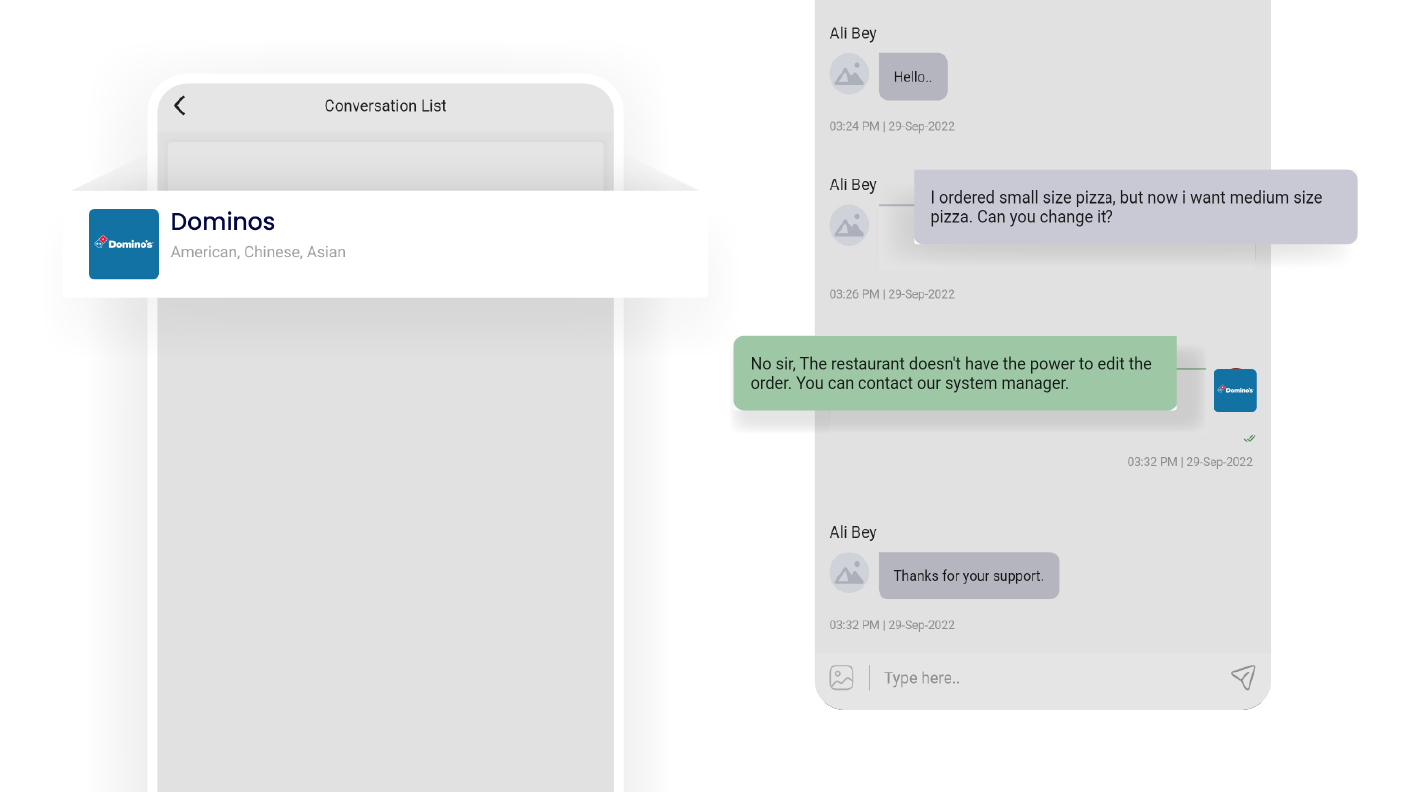
In the customer app, users can communicate in real-time conversations with vendors and deliverymen. It allows quick and convenient communication for any inquiries or assistance needed.
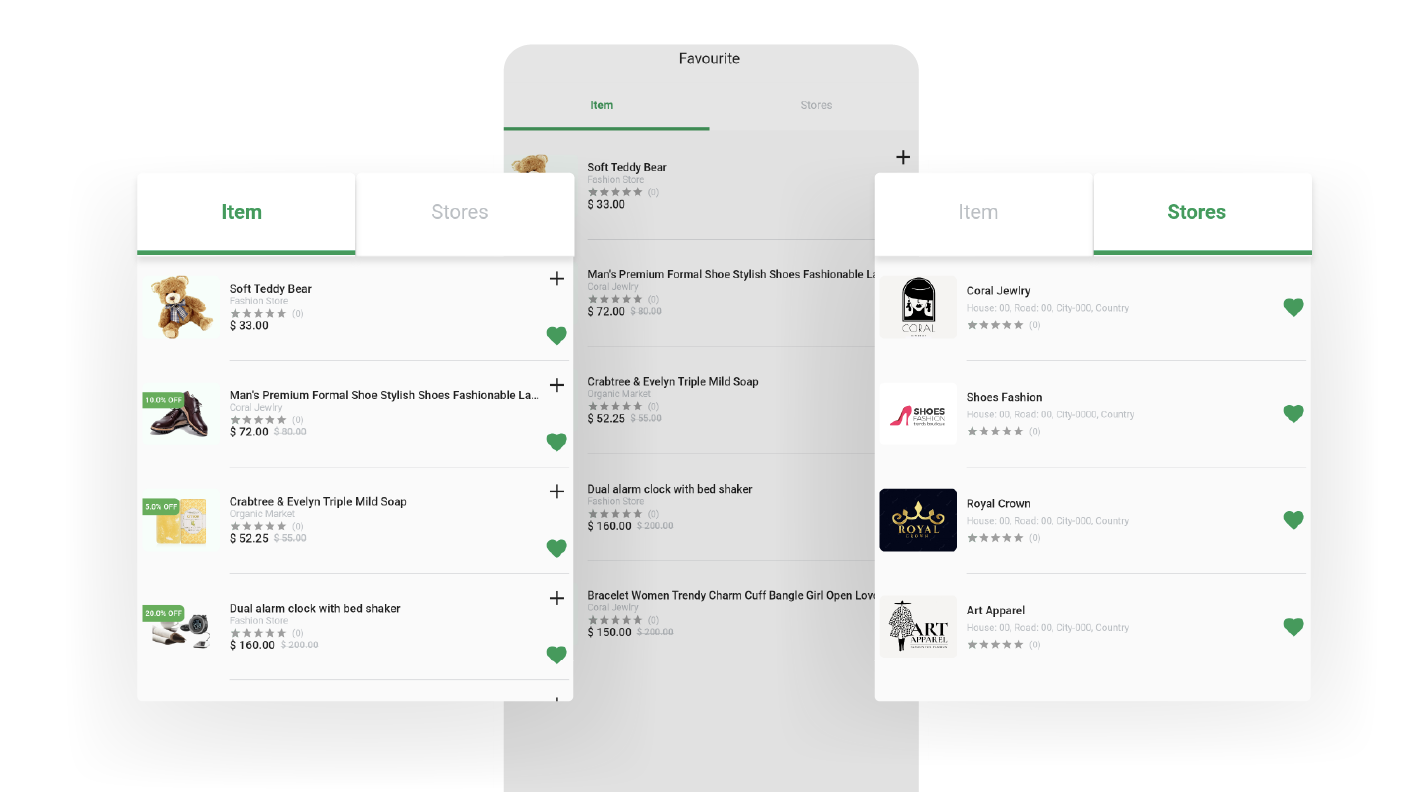
Customers can conveniently save their favorite items from various vendors to their wishlists within the customer app, making it effortless to revisit and consider purchasing them later.
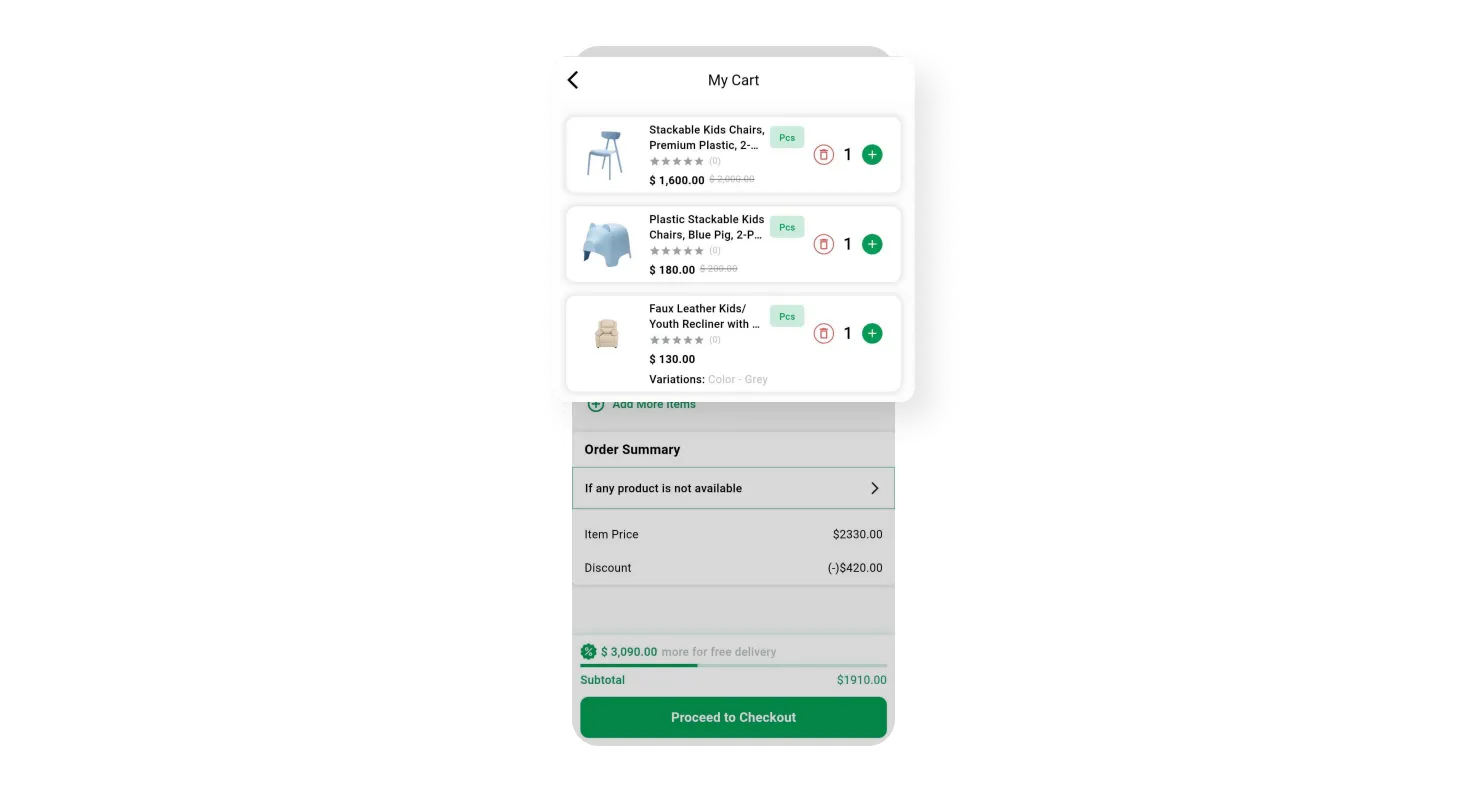
Customers can conveniently add products they like to their cart while browsing and easily proceed to the checkout process in the app. It gives customers a smooth shopping experience.
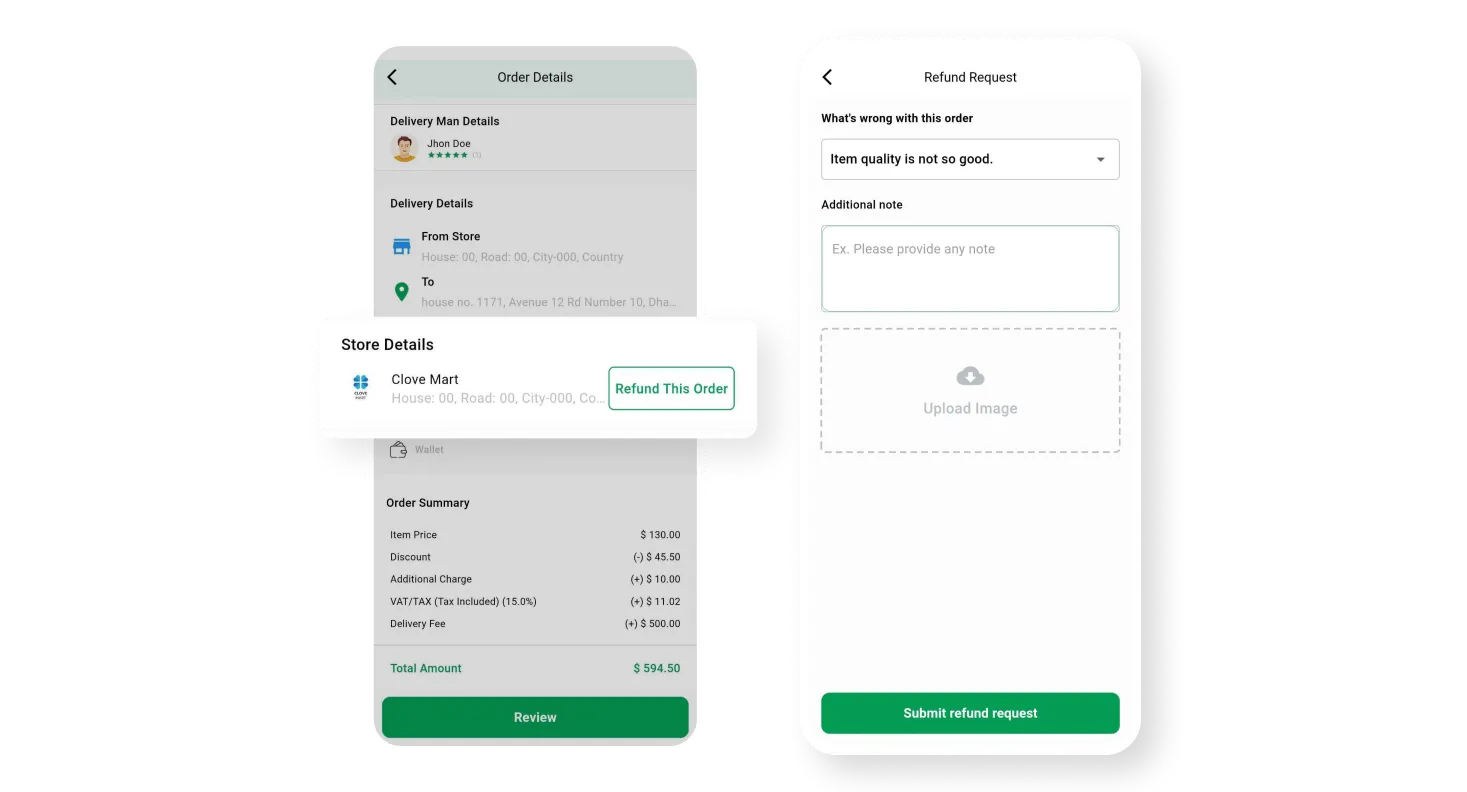
Customers can easily request a refund for dissatisfactory products through the customer app. It provides a simple and easy way to initiate the refund process and resolve issues quickly.

Any user interested in becoming a vendor owner or deliveryman can easily join the platform by signing up through the app. It makes the onboarding process easy and accessible for new users.
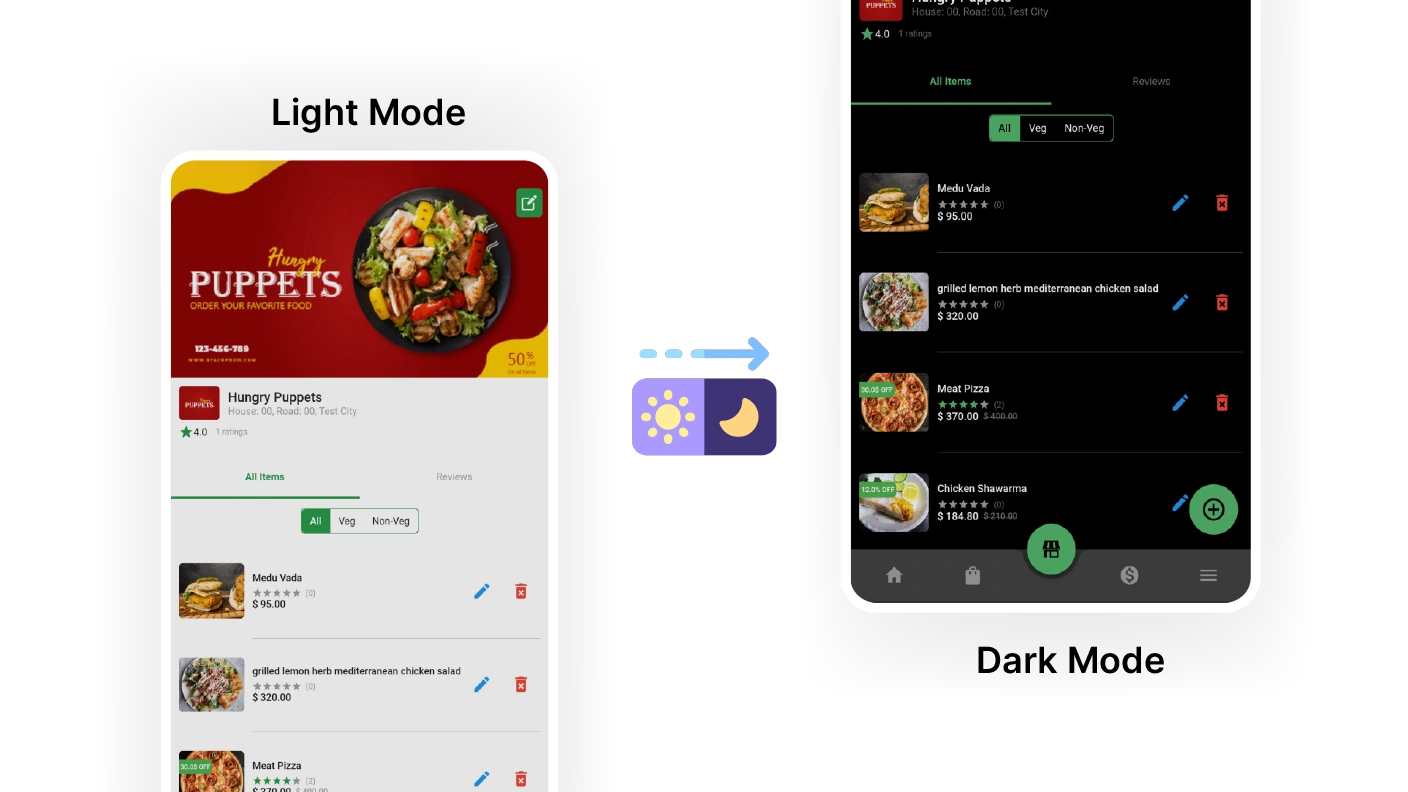
The PaPaYaMart customer app provides the option to switch between light and dark modes, allowing users to choose their preferred visual theme for a more comfortable viewing experience.
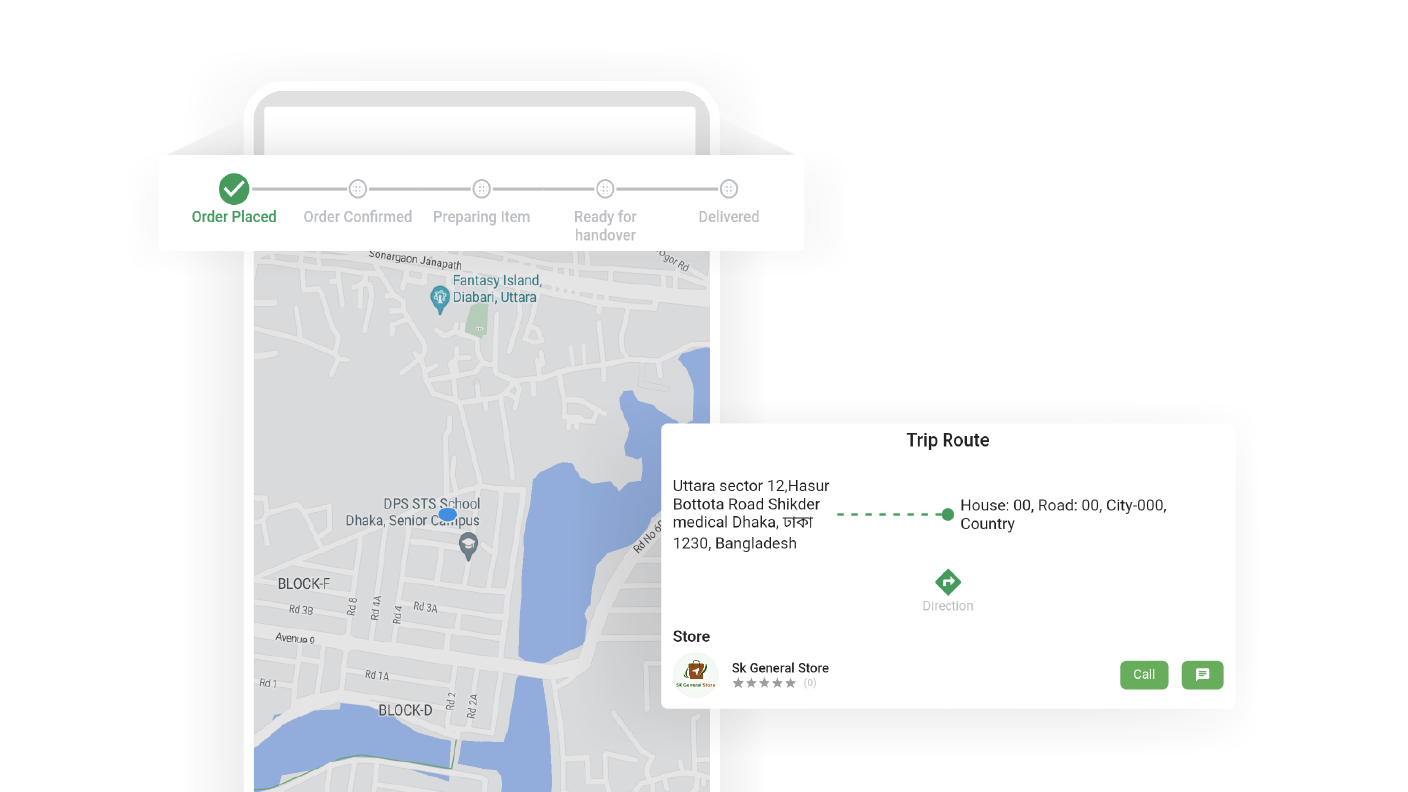
In the order section of the customer app, users can easily track the progress of their orders. This allows them to stay updated on the status of their deliveries in a convenient manner.
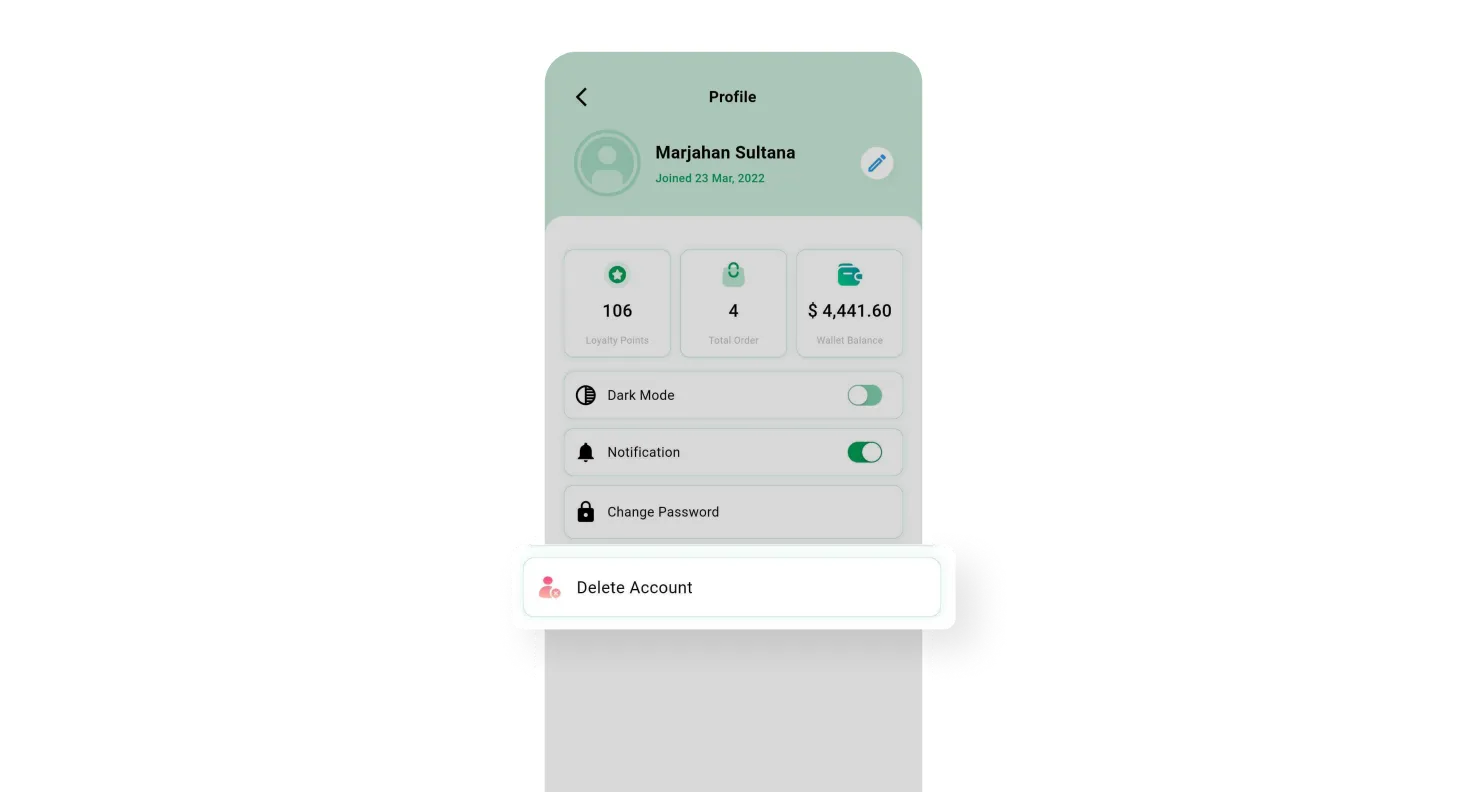
The customer app provides customers with a simple and convenient option to delete their accounts if they wish to do so. This ensures an easy and hassle-free account deletion process.
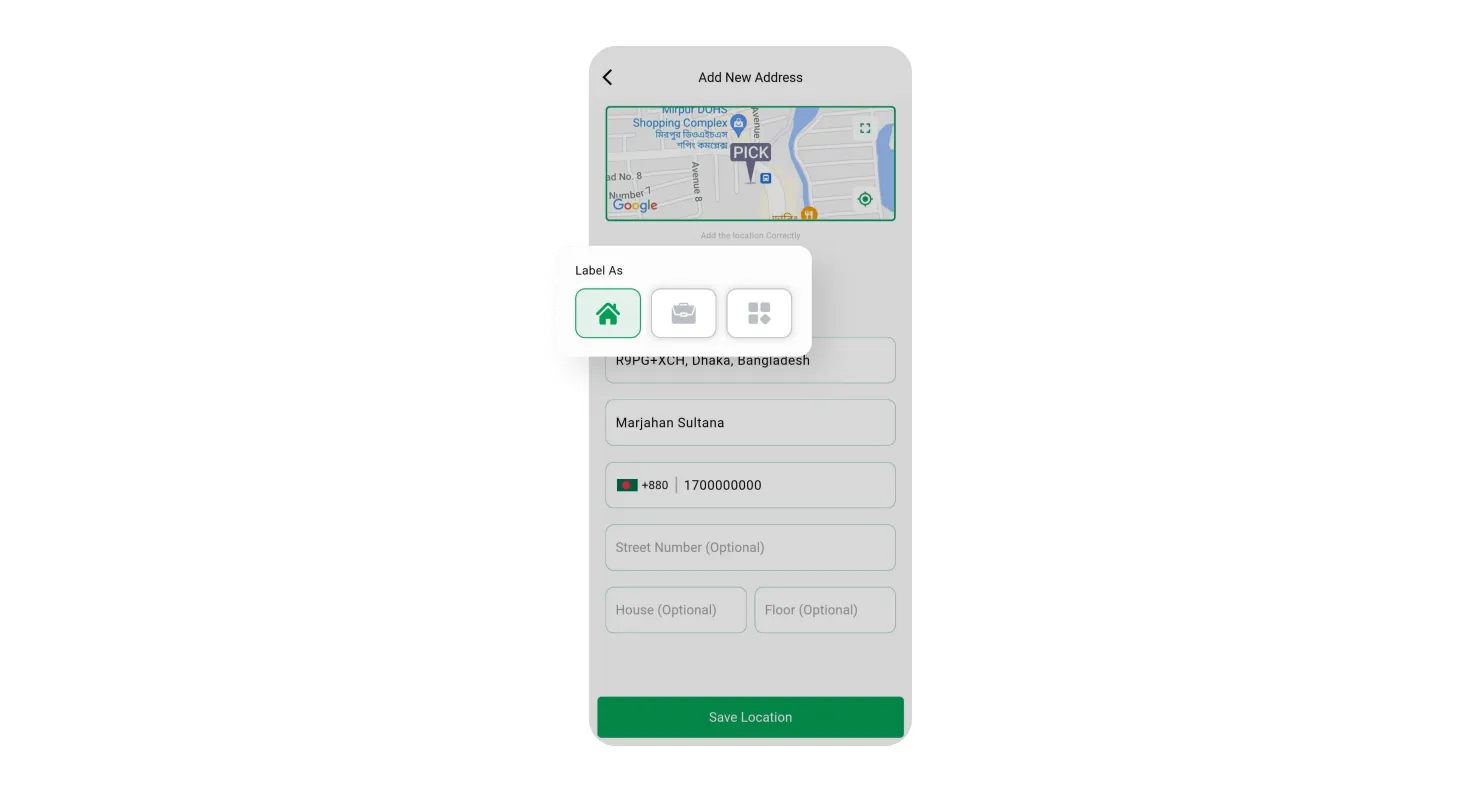
Customers can easily save multiple delivery locations, such as home and work, through the app. This feature ensures flexibility and convenience in choosing the desired delivery address.

From all Vendor’s Sales

From Freelance Deliverymen

From the Parcel Module

From the Parcel Module

From Featured Listings